Blog · August 19, 2026
Etsy Mockup Generator: How to Make Listing Photos That Sell
Short answer
An Etsy mockup generator turns a photo of your garment into listing images — ideally on-model shots that show fit. The key to results that convert on Etsy is uniqueness: use a generator that builds the image from your own garment, like Mockup Tool, rather than a shared template every other shop uses. Then export the images and upload them to your Etsy listing.
Etsy is a photo-first marketplace: the image is what earns the click, and clicks feed the ranking that gets you seen. For apparel that raises the bar, because a buyer is trying to judge fit and quality from a thumbnail. A mockup generator can produce those images without a photoshoot — but only if you avoid the trap that makes most Etsy apparel listings look interchangeable.
What an Etsy mockup generator does
A mockup generator turns a plain photo of your garment into finished listing images — most usefully, on-model shots that show how the piece actually wears. Instead of booking a model and a studio, you generate the images and drop them into your listing. The difference between generators is where the image starts: from a shared stock blank, or from your own product.
Why template mockups hurt you on Etsy
Open any t-shirt search on Etsy and count how many listings use the same blank on the same model — those come from the free templates built into print-on-demand tools and template libraries. When photos are identical, buyers have nothing to compare but price, and you get pulled into a race to the bottom. On a marketplace this crowded, a generic mockup is close to invisible.
Make listing photos that convert
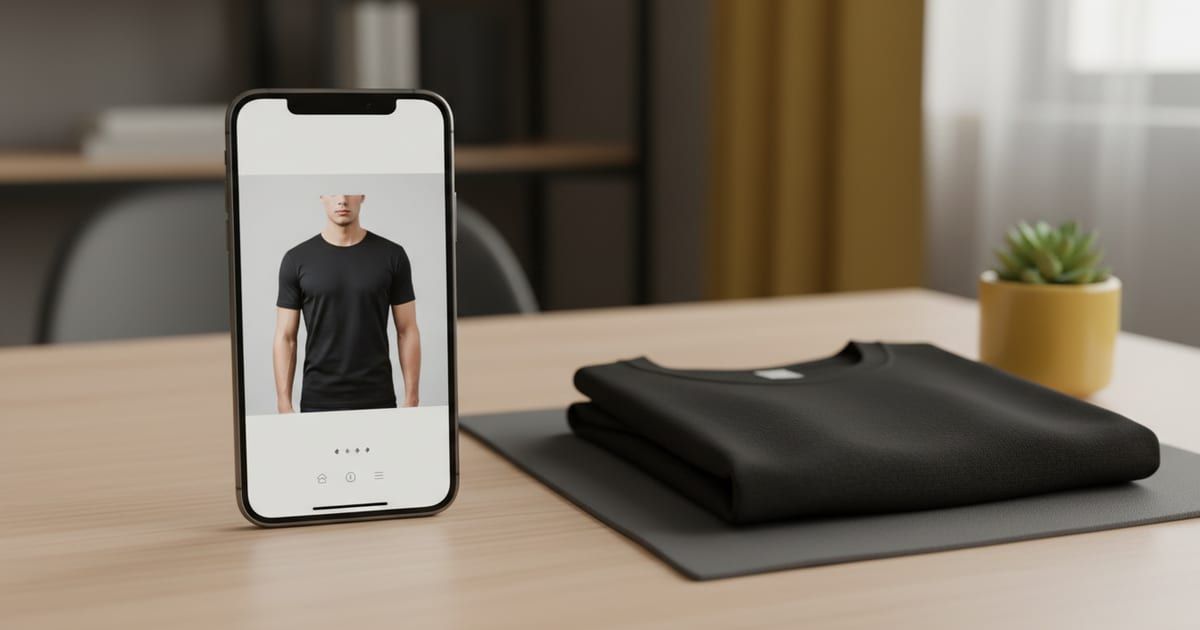
The fix is to generate from your actual garment. Photograph your product laid flat, and use a generator like Mockup Tool to create on-model images from that photo. Because the result is built from your real shirt, it’s accurate to what you ship and unique to your shop — no other seller can produce the same image. Lead your listing with an on-model shot, then fill the rest of Etsy’s photo slots with variations. Our guide for Etsy sellers goes deeper, and you can start with the free mockup generator.
- Shoot a clean flat lay of your garment in soft window light.
- Generate on-model images from it, varying the model and background.
- Lead with the strongest on-model shot; add flat lay and detail shots.
- Fill as many of Etsy’s ten slots as you can with distinct, useful images.
Drag the handle to compare a shared-template look with an image generated from a real garment:


Getting the mockups into your Etsy listing
There’s no one-tap plugin that pushes images from a mockup app into Etsy, so the flow is simple and manual: generate and export the images to your camera roll, then upload them in the Etsy Seller app when you create or edit the listing. It’s a minute of work per listing. Because the mockups are built from your real garment, they represent your actual product — pair them with any real photos you have and follow Etsy’s listing-image guidelines.
How many images, and which kinds
Etsy gives every listing up to ten images, and empty slots are wasted selling. A strong apparel set leads with an on-model shot for fit, adds a clean flat lay, a close-up of the print and fabric, a back view, and a scale or styling shot. Generating from one flat photo makes filling all of them realistic, because each variation is a few seconds rather than another shoot.
The generator isn’t the hard part on Etsy — standing out is. Build your images from your own garment and they do both jobs at once: they show the real product, and they look like a brand rather than a template every other shop is running.
Frequently Asked Questions
What is an Etsy mockup generator?
A tool that turns a photo of your garment into listing images — typically on-model shots that show fit. The best ones build the image from your actual product, so it’s accurate and unique to your shop rather than a shared template.
How do I get unique mockups for my Etsy listings?
Photograph your garment laid flat and use a generator like Mockup Tool to create on-model images from that photo. Because it starts from your real product, no other seller can reproduce the image.
Can I upload mockups straight to Etsy?
There’s no direct plugin. Export the images to your camera roll and upload them in the Etsy Seller app when you create or edit a listing — about a minute per listing.
Do AI mockups represent my real product on Etsy?
When they’re generated from a photo of your actual garment, yes — the fit and print come from your product. Pair them with real photos where helpful and follow Etsy’s listing-image guidelines.
