Mockups for Shopify Stores
Product pages convert on photos. Give every PDP a full on-model set.

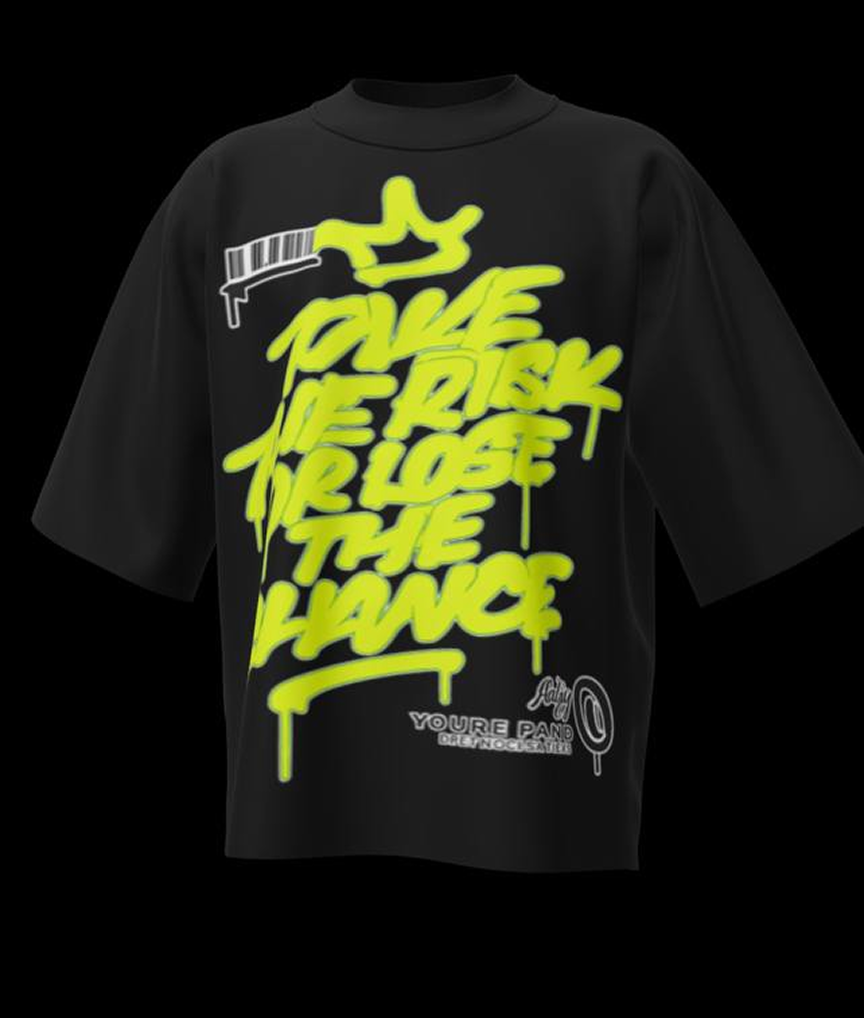
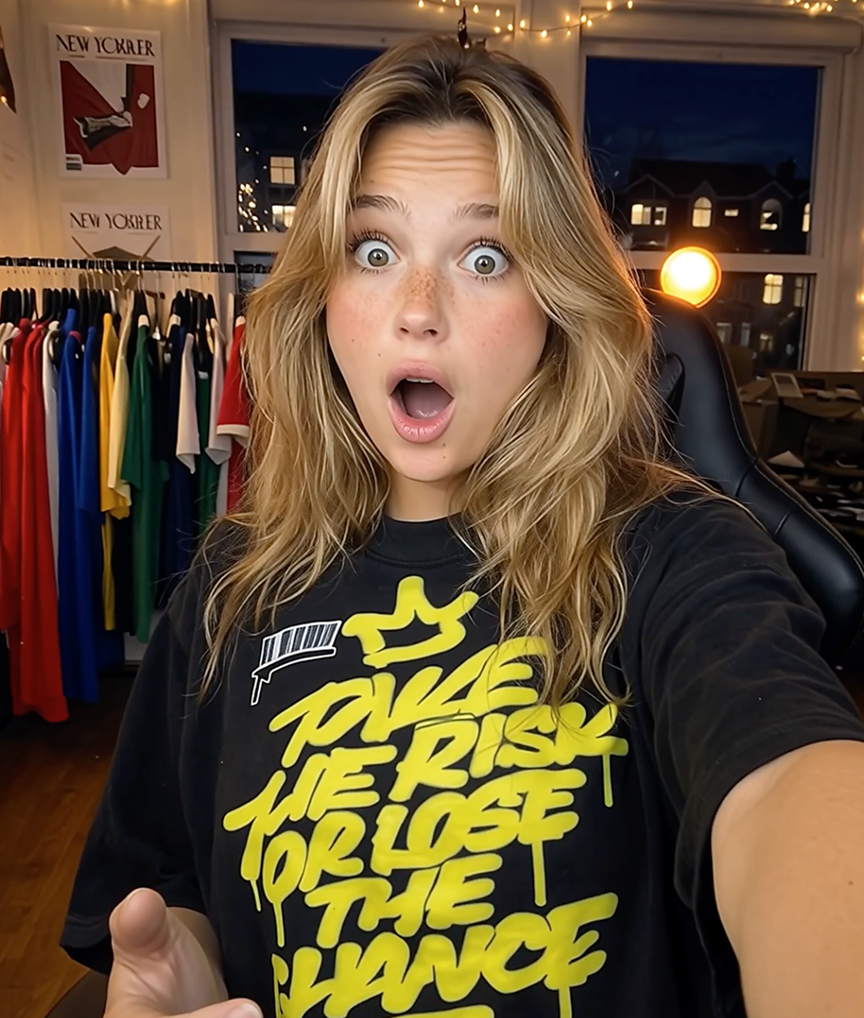
On a Shopify product page, photography does the selling: it answers fit, fabric, and styling questions before the customer scrolls to reviews. Yet most apparel stores launch with one flat photo per product because on-model photography for a whole catalog is expensive. Mockup Tool removes that constraint — every product gets a full image set generated from one flat photo of the real garment.
The result compounds across the funnel: richer product pages lift conversion, consistent imagery lifts brand perception, and unique photos give your ads and organic posts creative that competitors cannot copy.
Why Mockup Tool
Full PDP image sets
Multiple angles, models, and settings per product — the gallery depth that high-converting stores standardize on.
Theme-consistent visuals
Match your store’s aesthetic with a consistent backdrop family, so PDPs, collection pages, and the homepage feel unified.
Creative for the whole funnel
The same generation session produces PDP images, ad creatives, and email banners — one workflow, every channel.
How It Works
Snap a flat photo
Lay the garment flat and photograph it with your iPhone — no studio or equipment needed.
AI generates the model
The AI maps your real garment onto a realistic model with natural drape, lighting, and texture.
Export in 4K
Download studio-quality images ready for listings, ads, and social — in about 15 seconds.
Frequently Asked Questions
How many images should an apparel PDP have?
Top-performing apparel pages typically show 5–8 images mixing on-model and detail shots. Mockup Tool makes hitting that number practical for every SKU.
Do AI photos affect Shopify SEO?
Unique images with proper alt text outperform reused supplier photos, which appear on dozens of other domains and add no differentiation.
Can I match photos to my Shopify theme?
Yes. Choose background styles that complement your theme’s palette so galleries feel native to the design.
What’s the workflow for a large catalog?
Batch it: photograph garments flat in one session, then generate image sets product by product — a hundred-SKU catalog is a weekend project, not a quarter-long one.
Ready to Create PROFESSIONAL MOCKUPS?
Available for iOS