Jersey Mockup Generator
Your actual jersey — numbers, mesh, and all — on a realistic AI model.

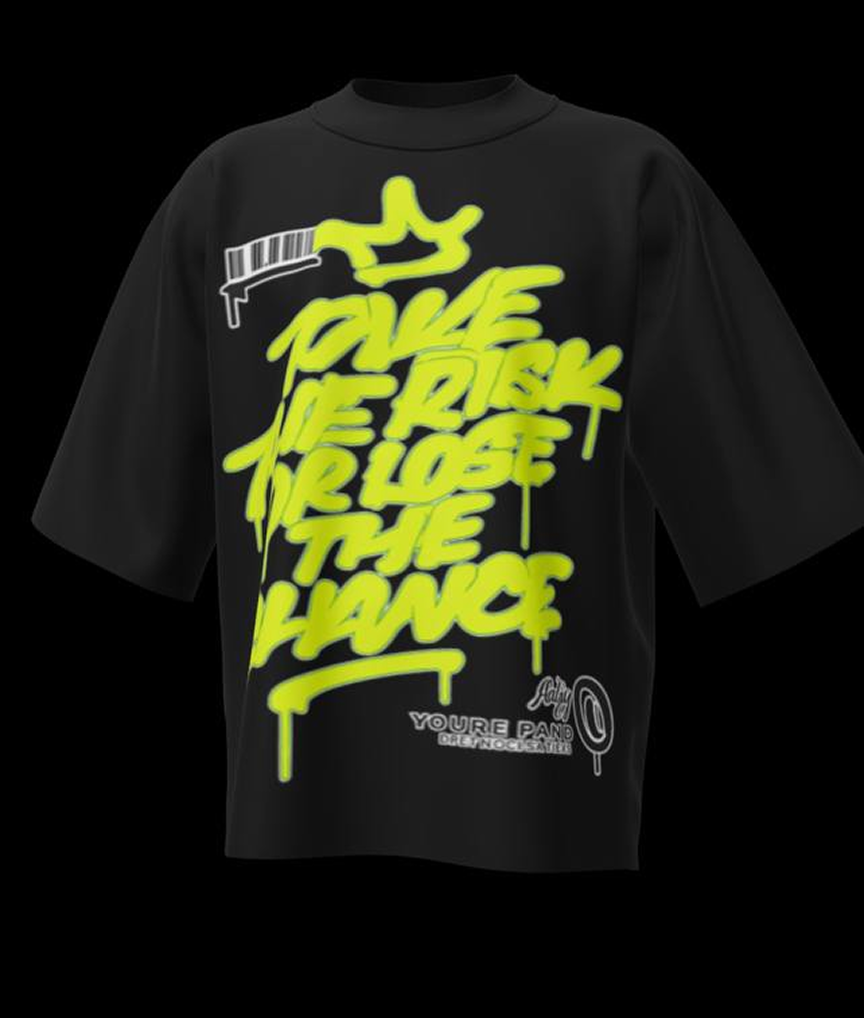
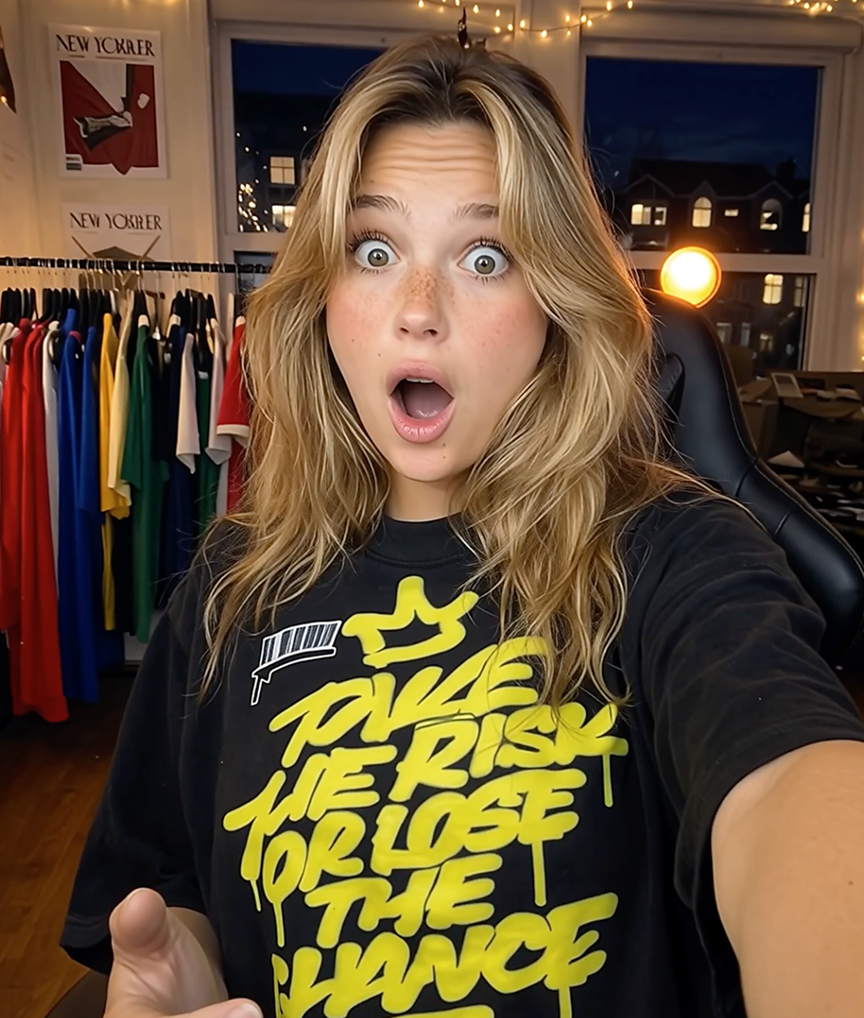
Jerseys are detail-heavy garments: mesh panels, sublimated numbers, sponsor patches, contrast piping. Generic mockup templates flatten all of it into a smooth, plastic-looking shirt. Mockup Tool generates the model shot from a photo of your real jersey, so the fabric structure and every printed detail stay honest.
Whether you produce football jerseys for local clubs, esports team kits, or fashion jerseys for a streetwear line, on-model photos are what convince buyers the quality is real. Photograph each kit flat, and give every team member page and store listing a proper campaign image.
Why Mockup Tool
Numbers and names intact
Player names, numbers, and sponsor logos transfer exactly as photographed — no template distortion.
Mesh that reads as mesh
The AI preserves fabric texture, so performance fabrics look technical rather than painted on.
Every kit variant covered
Home, away, and third kits — generate consistent on-model shots for the full set in one session.
How It Works
Snap a flat photo
Lay the garment flat and photograph it with your iPhone — no studio or equipment needed.
AI generates the model
The AI maps your real garment onto a realistic model with natural drape, lighting, and texture.
Export in 4K
Download studio-quality images ready for listings, ads, and social — in about 15 seconds.
Frequently Asked Questions
Does the jersey mockup work for esports and fashion jerseys?
Yes. Any jersey style works — sports kits, esports jerseys, hockey-style fashion jerseys, and baseball tees all generate from a simple flat photo.
Can I make a full sports uniform mockup?
Yes — photograph each piece flat and generate them one at a time: the jersey here, and matching shorts on the shorts mockup generator. Each image keeps your real colors, numbers and trims, so a full team uniform reads as one consistent kit.
Will sublimated all-over prints be preserved?
Yes. Because the AI works from your actual product photo, all-over prints and gradients carry over accurately to the on-model shot.
Can teams use this for player announcements?
Absolutely. Generate a model wearing each player’s jersey for signing announcements and social posts without organizing a photoshoot.
What resolution are the exports?
Up to 4K, suitable for web stores, social media, and printed club materials.
Ready to Create PROFESSIONAL MOCKUPS?
Available for iOS