Mockups for Print-on-Demand
Everyone prints on the same blanks. Your photos don’t have to prove it.

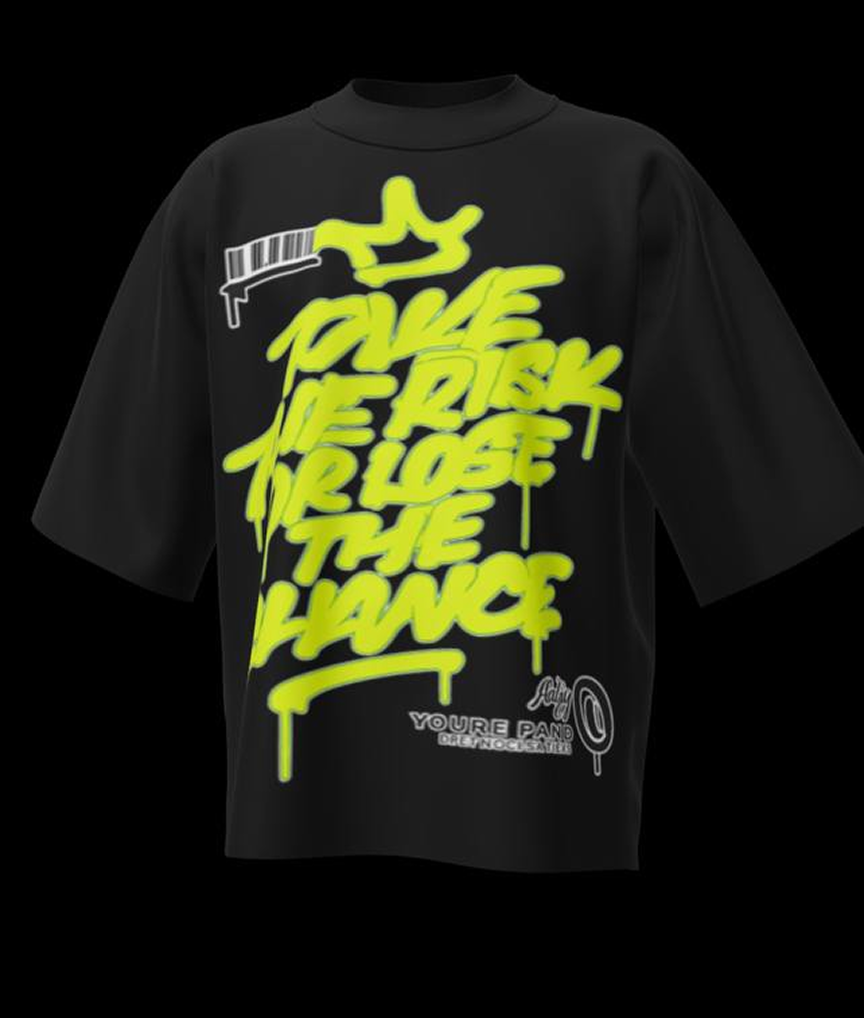
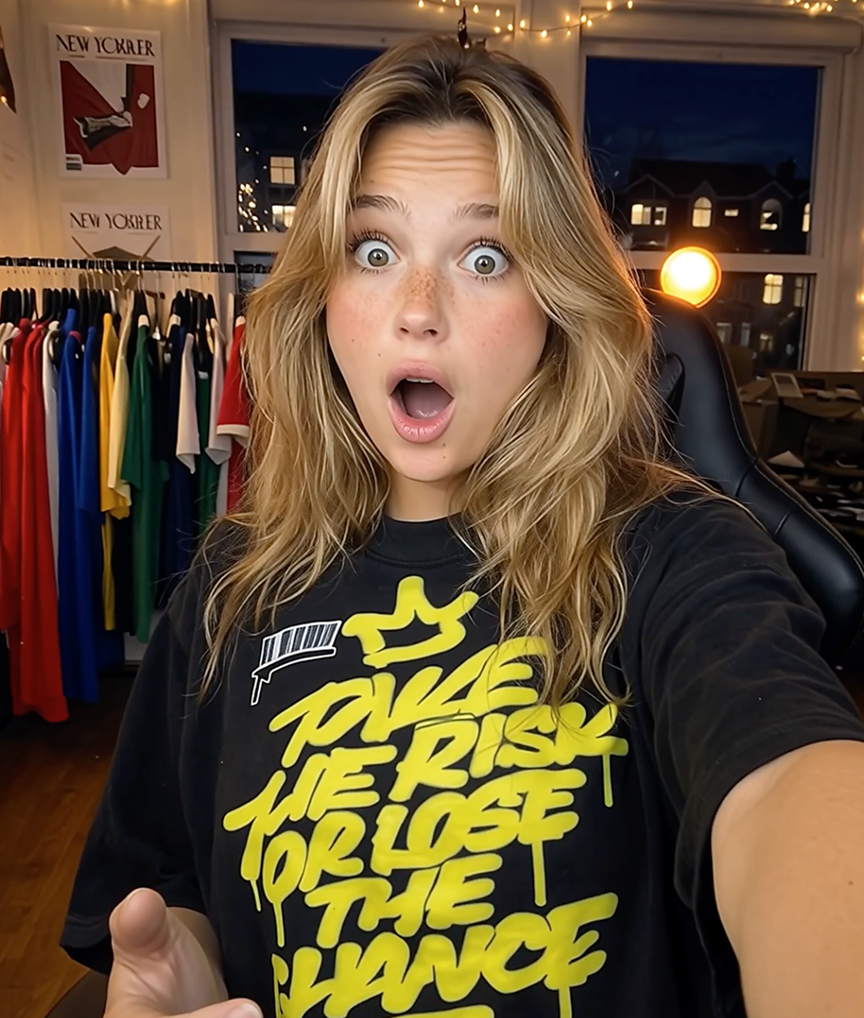
Print-on-demand has a visibility problem: every store printing on the same Bella+Canvas or Gildan blank gets the same generator mockups from Printful or Printify, so the entire market looks identical. Buyers have learned to recognize that look — and to associate it with slow shipping and thin margins. Mockup Tool lets you escape the lineup by generating photos from a real sample of your product.
The workflow is simple: order one sample of a design (something worth doing for quality control anyway), photograph it flat, and generate a full set of on-model photos. One sample turns into listing images, ad creatives, and social content that no other store can have.
Why Mockup Tool
Break the template look
Photos generated from your real sample are unique to your store — instantly separating you from thousands of template-identical shops.
One sample, full campaign
A single sample order produces listing photos, ad creatives, and lifestyle shots across models and backgrounds.
Print quality shown honestly
Your actual print — colors, placement, texture — appears in the photos, which builds the trust that generic mockups burn.
How It Works
Snap a flat photo
Lay the garment flat and photograph it with your iPhone — no studio or equipment needed.
AI generates the model
The AI maps your real garment onto a realistic model with natural drape, lighting, and texture.
Export in 4K
Download studio-quality images ready for listings, ads, and social — in about 15 seconds.
Frequently Asked Questions
Doesn’t my POD platform already give me mockups?
It gives everyone the same mockups. Those images are fine for testing designs, but stores that invest in distinctive photos convert better and can charge more.
Do I have to order a sample of every design?
No — start with your bestsellers. One sample per hero product is enough to transform the listings that drive most of your revenue.
Which garments work best?
T-shirts, hoodies, sweatshirts, longsleeves, and tanks all work — anything you can photograph laid flat.
Can I A/B test against my old template mockups?
Yes, and you should: run the AI on-model photo against the stock template in your ads and let the click-through rate settle the question.
Guides
- Merch Mockups for Creators & BandsThe content is high-effort; the merch photos are the same flat template under every creator’s drop. Here’s how to close that gap before your next launch.
- Shorts Mockups: How to Show Length and FitA flat photo can’t answer the two questions every shorts buyer has — where the hem lands and how it fits. Here’s how to make a mockup that shows both.
- How to Make Print-on-Demand Mockups That Don’t Look Like Print-on-DemandShoppers spot a POD template in a second, and it costs the sale. Here’s how to make mockups that look like a real brand shot them — without leaving print-on-demand.
- How to Start a T-Shirt Business With Just an iPhoneYou don’t need a studio, a warehouse, or a laptop. Here’s the whole workflow — design to first sale — run entirely from the phone in your pocket.
- How to Photograph Clothes Flat for Perfect AI MockupsThe AI can only work with what your photo shows it. Seven rules that separate a crisp on-model mockup from a muddy one.
- How to Make T-Shirt Mockups for Etsy Without PhotoshopEtsy rewards listings that earn clicks — and photos drive clicks. Here is how to make listing images that don’t look like every other shop’s, with nothing but your phone.
Ready to Create PROFESSIONAL MOCKUPS?
Available for iOS