Tank Top Mockup Generator
Summer drops and gym lines, mocked up before the sample even cools down.

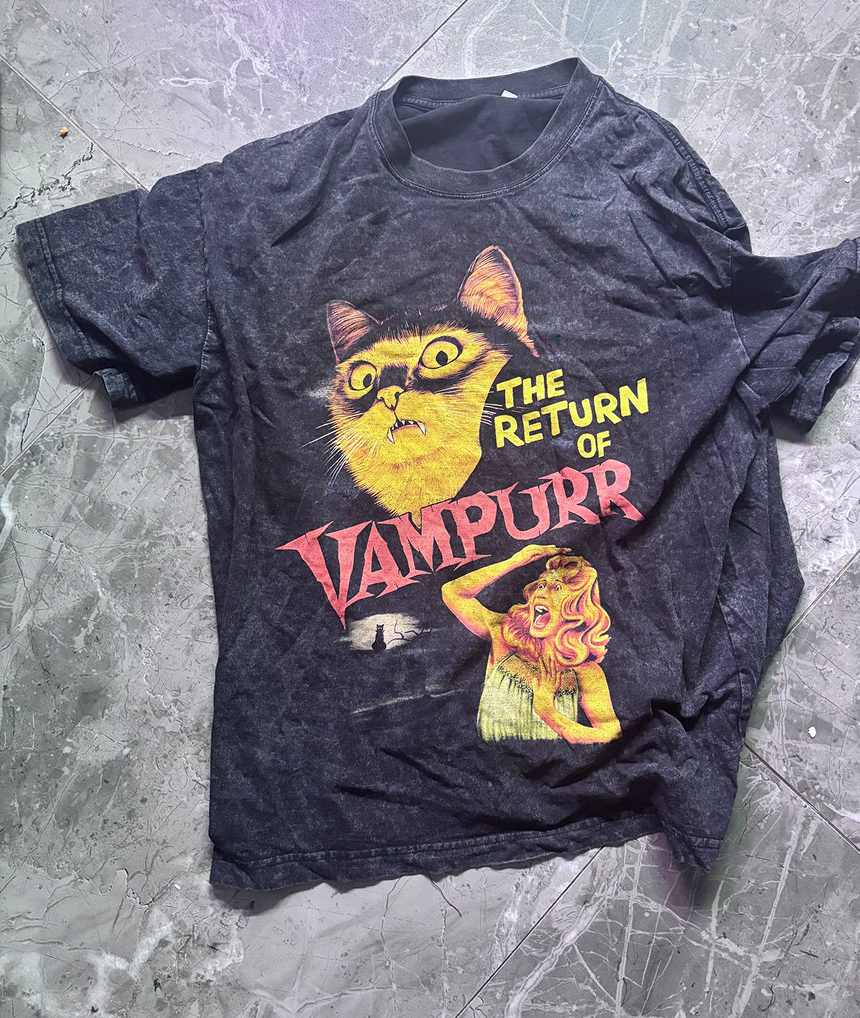
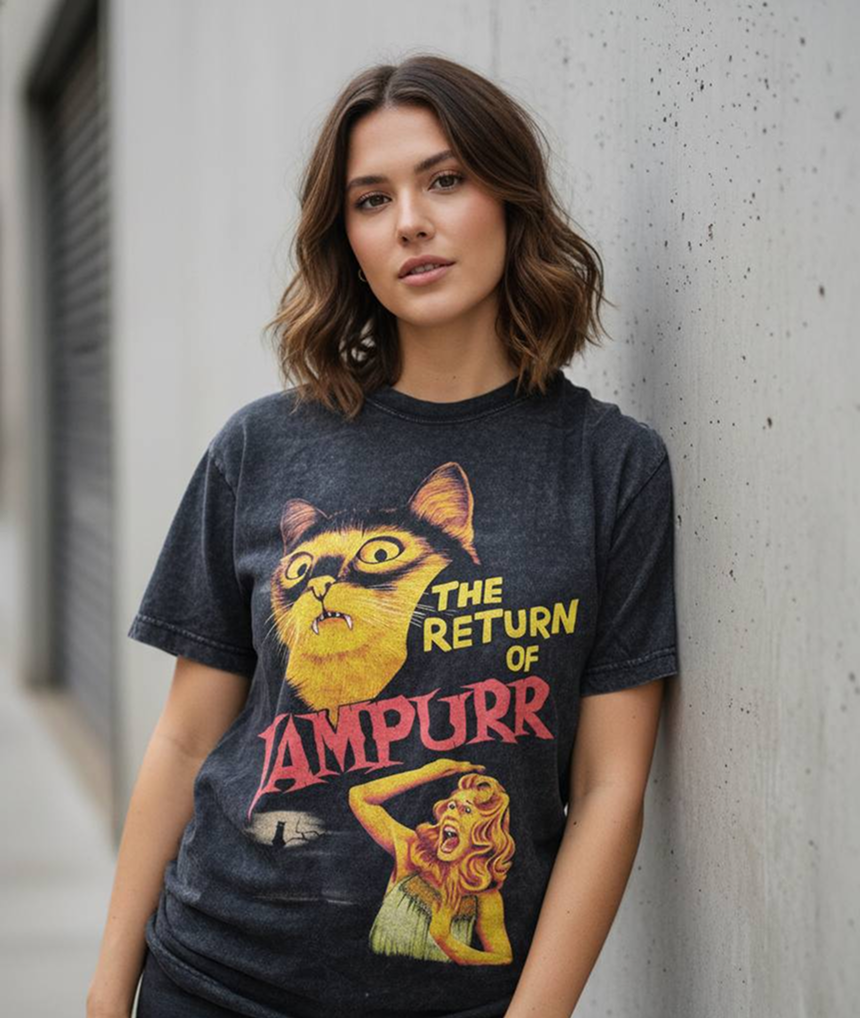
Tank tops sell in bursts — summer collections, festival season, new-year gym campaigns — and the brands that win those windows are the ones with visuals ready first. Mockup Tool generates on-model photos from a flat photo of your real tank, so a new colorway can go from delivery box to live listing in the same hour.
Templates are particularly weak for tanks: strap width, armhole depth, and neckline shape vary hugely between blanks, and a generic template misrepresents all three. Generating from your actual garment keeps those details truthful.
Why Mockup Tool
Strap and neckline accuracy
Racerback, muscle tank, or classic cut — the AI renders your garment’s actual shape, not a template’s approximation.
Built for fast seasons
Generate a summer collection’s worth of on-model shots in an afternoon and catch the demand spike on time.
Gym-ready visuals
Athletic AI models and clean backdrops give activewear lines the energy their product pages need.
How It Works
Snap a flat photo
Lay the garment flat and photograph it with your iPhone — no studio or equipment needed.
AI generates the model
The AI maps your real garment onto a realistic model with natural drape, lighting, and texture.
Export in 4K
Download studio-quality images ready for listings, ads, and social — in about 15 seconds.
Frequently Asked Questions
How do I photograph a tank top for best results?
Lay it flat on a plain surface, smooth out wrinkles, and shoot from directly above in even light. The AI handles everything else.
Can I use the mockups for both men’s and women’s tanks?
Yes. Generate male or female AI models with different builds to match each product’s target customer.
Will it work for gym stringers and muscle tanks?
Yes. Deep-cut armholes and narrow straps are preserved from your photo, so specialist gym cuts look right.
How fast is generation?
Around 15 seconds per image on a modern iPhone — fast enough to iterate on backgrounds and models until it fits your brand.
Ready to Create PROFESSIONAL MOCKUPS?
Available for iOS