Free Clothing Mockup Generator
A mockup creator that lets you generate first and decide later — free to download, no desktop needed.

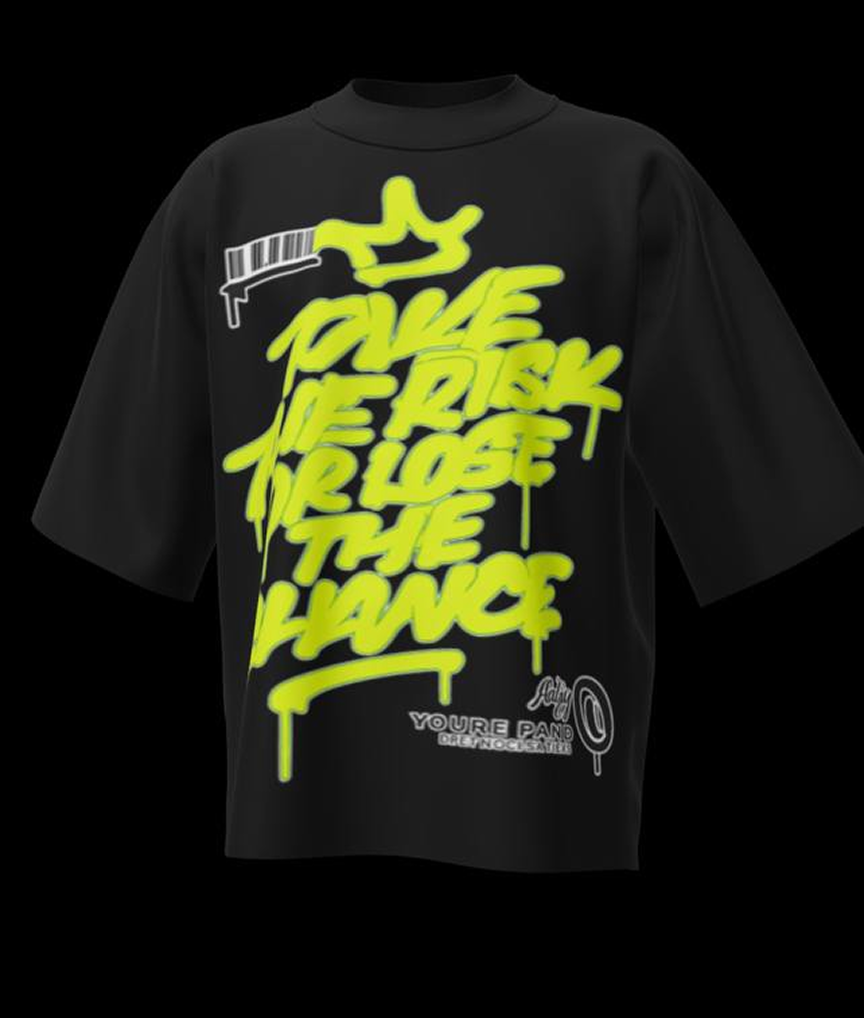
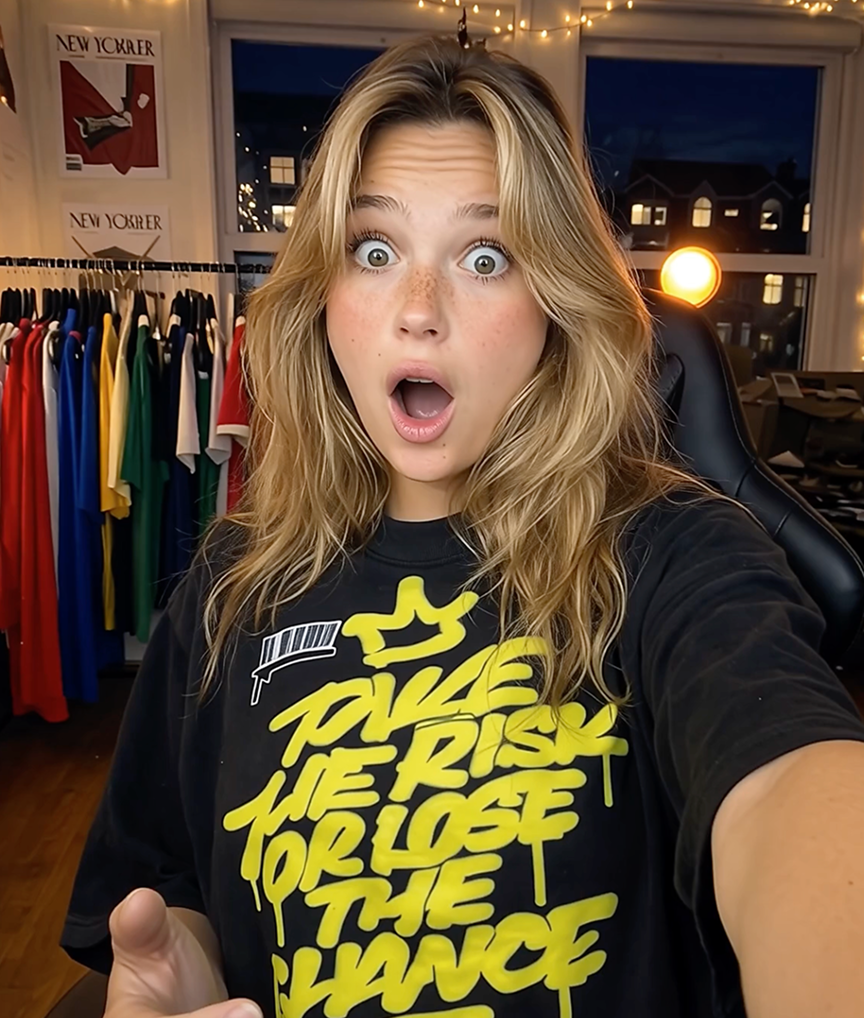
Most “free” mockup generators are free until the moment you need them: the good templates sit behind a subscription, exports get watermarked, or the resolution is capped below what a listing requires. Mockup Tool takes the App Store approach instead — download free, generate real on-model mockups from your own garment photos, and upgrade only if the results earn it.
The free path is not a demo of a template library, because there is no template library. Every mockup is created from a photo of your actual garment, which means even your first free generations produce images no other store has.
Why Mockup Tool
Actually free to start
Download and generate on-model mockups before paying anything — judge the quality on your own products, not a demo.
Creator, not template picker
The generator builds each mockup from your garment photo, so free users get unique images instead of shared stock templates.
Everything on your phone
No desktop editors or exports between tools — photograph, generate, and save 4K-ready images in one iOS app.
How It Works
Snap a flat photo
Lay the garment flat and photograph it with your iPhone — no studio or equipment needed.
AI generates the model
The AI maps your real garment onto a realistic model with natural drape, lighting, and texture.
Export in 4K
Download studio-quality images ready for listings, ads, and social — in about 15 seconds.
Frequently Asked Questions
Is Mockup Tool really free?
The app is free to download with core mockup generation available before any purchase. A subscription unlocks unlimited generations, all models, and premium features.
What do I need to create my first mockup?
Just a photo of a garment laid flat and an iPhone. Upload the photo and the AI generates the on-model mockup in about 15 seconds.
How does it compare to free template sites?
Template sites give everyone the same stock photos. This generator creates the image from your product, so even the free results are unique to your store.
Which garments can the free generator handle?
T-shirts, hoodies, sweatshirts, longsleeves, jerseys, polos, jackets, and more — anything you can photograph laid flat.
Guides
- The Best Clothing Mockup Generators in 2026, Compared HonestlyTemplate libraries, POD built-ins, and AI generators solve different problems. An honest map of the 2026 landscape — including where each tool is the wrong choice.
- The Best Free Clothing Mockup Generators“Free” hides very different trade-offs — watermarks, sameness, or limits. Here’s what separates the free clothing mockup generators worth using, and how to pick.
- Do You Need a Model to Sell Clothes Online?On-model photos convert better — but hiring a model is slow and expensive. Here’s the honest answer on whether you need one, and the AI alternative.
- Product Photos for a Clothing Brand Launch: The Set You NeedA launch lives or dies on its photos. Here’s the specific set of shots a new clothing brand needs — and how to produce it from flat photos, without a studio.
- How to Photograph a Hoodie for Your StoreA hoodie has parts a tee doesn’t — the hood, the drawstrings, the pocket. Here’s how to photograph one flat so the shot (and any mockup made from it) looks right.
- Long Sleeve Mockups: How to Show the Sleeve PrintThe whole reason someone buys a long sleeve is the sleeve — and a folded flat lay hides half of it. Here’s how to make a mockup that actually shows the arm print.
Ready to Create PROFESSIONAL MOCKUPS?
Available for iOS