Long Sleeve Mockup Generator
Finally show sleeve prints the way they deserve — on arms, not folded flat.

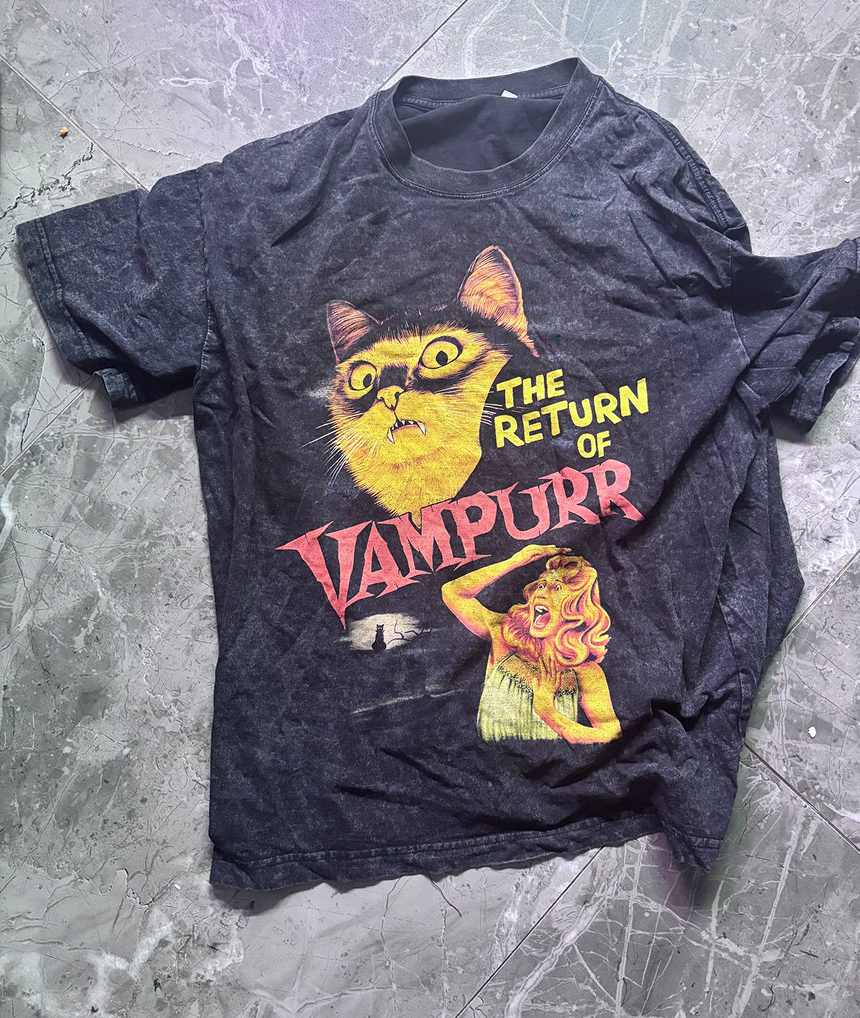
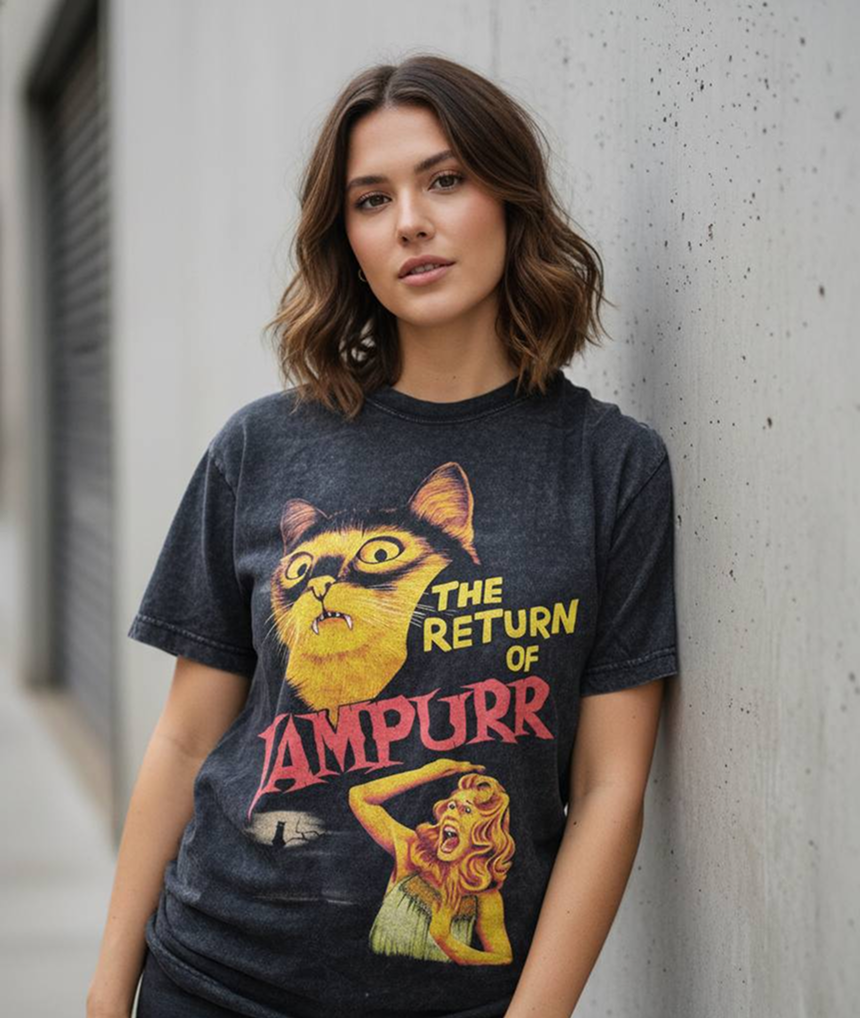
Long sleeves are bought for the sleeves — and that is exactly what flat photos and most templates fail to show. A folded flat lay hides half the print, and stock templates rarely match your sleeve placement. Mockup Tool generates a model wearing your actual longsleeve, arms visible, so sleeve typography and graphics finally read the way you designed them.
Skate brands, band merch, and streetwear labels lean on long sleeve drops every fall and winter. Generating your visuals from real garment photos means each drop gets full campaign imagery without scheduling a single shoot.
Why Mockup Tool
Sleeve prints, actually visible
Arms-down, arms-crossed, natural poses — the AI renders your sleeve graphics along the arm the way customers will wear them.
True print alignment
Because the mockup comes from your photo, sleeve print position matches your real product instead of a template’s guess.
Cold-season content, fast
Build a full fall/winter lookbook from flat photos of your longsleeve line in a single afternoon.
How It Works
Snap a flat photo
Lay the garment flat and photograph it with your iPhone — no studio or equipment needed.
AI generates the model
The AI maps your real garment onto a realistic model with natural drape, lighting, and texture.
Export in 4K
Download studio-quality images ready for listings, ads, and social — in about 15 seconds.
Frequently Asked Questions
Can the AI show prints on both sleeves?
Yes. Photograph the longsleeve flat with sleeves laid out, and the generated model shot preserves graphics on both arms as well as the chest.
What garments count as longsleeve for the app?
Any long-sleeved tee or lightweight top works — classic longsleeves, skate tees, baseball raglans, and thermal styles.
How is this better than a folded flat lay?
A flat lay hides sleeve prints in folds. An on-model mockup shows the full design in context, which typically drives higher engagement on listings and ads.
Do I need special equipment?
No. An iPhone photo in decent lighting is enough — the AI handles lighting, model, and background generation.
Ready to Create PROFESSIONAL MOCKUPS?
Available for iOS