Baseball Tee Mockup Generator
Contrast raglan sleeves deserve better than a front-on flat photo.

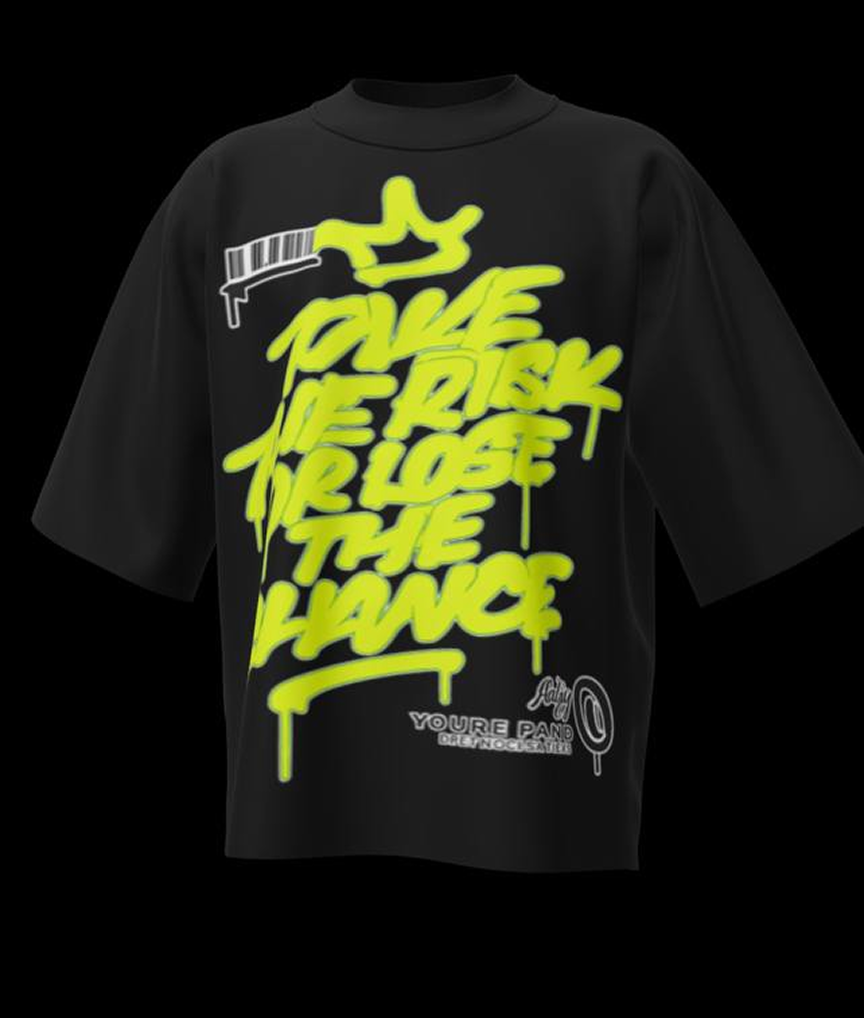
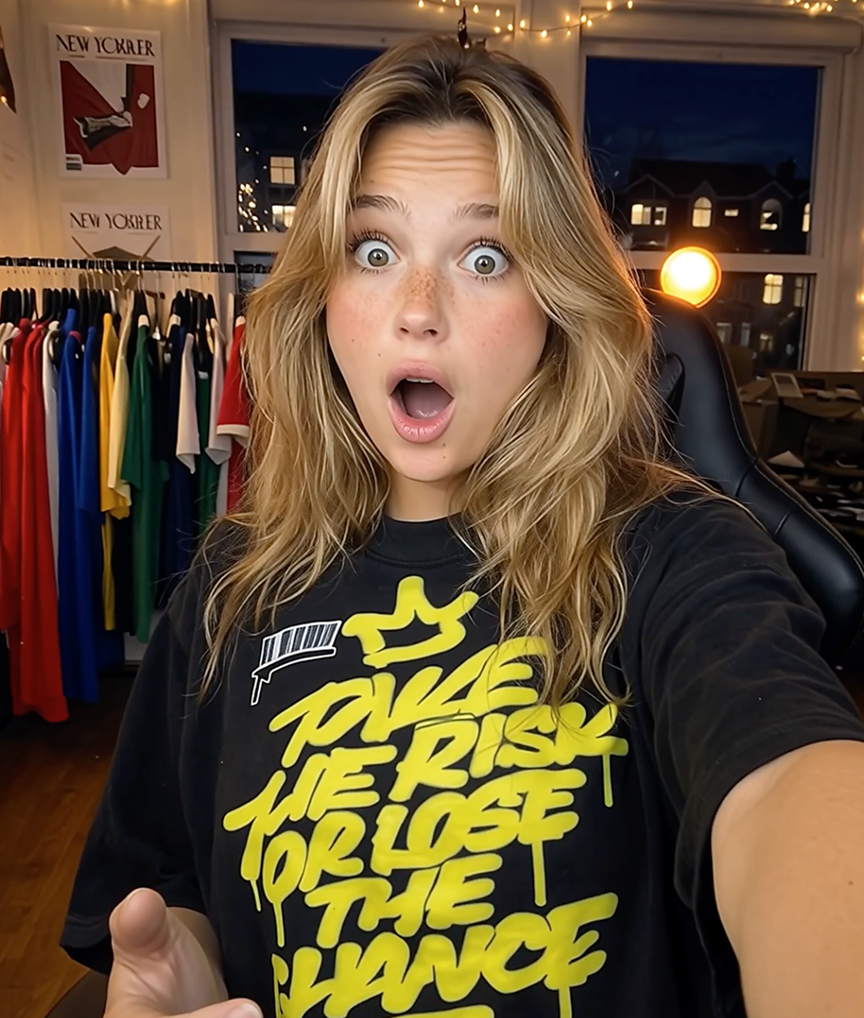
The whole point of a baseball tee is the contrast: colored ¾ sleeves against the body, the diagonal raglan seam, the athletic cut. Generic templates rarely stock true raglans, so sellers end up displaying baseball tees on regular crewneck models — and the product’s signature detail disappears. Mockup Tool generates the mockup from your actual raglan, seams and sleeve color intact.
Band merch, college drops, and vintage-inspired lines lean on baseball tees hard. One flat photo per design produces the on-model shots that show the style people are actually buying.
Why Mockup Tool
True raglan construction
Diagonal seams and contrast ¾ sleeves render exactly as photographed — no crewneck substitution.
Print placement that holds
Chest graphics sit correctly between the raglan seams because the AI maps your real garment, not a template.
Merch-drop ready
Generate a full set of shots for the drop announcement, listing, and story posts from one photo.
How It Works
Snap a flat photo
Lay the garment flat and photograph it with your iPhone — no studio or equipment needed.
AI generates the model
The AI maps your real garment onto a realistic model with natural drape, lighting, and texture.
Export in 4K
Download studio-quality images ready for listings, ads, and social — in about 15 seconds.
Frequently Asked Questions
What is a baseball tee mockup?
A product image showing a raglan-sleeve shirt — usually white body with contrast ¾ sleeves — worn on a model. Mockup Tool generates it from a flat photo of your real shirt.
Will the sleeve color contrast be accurate?
Yes. Colors come from your photo, so navy, red, or black sleeves stay true against the body color.
Does it suit band and event merch?
Perfectly — baseball tees are a merch staple, and on-model photos raise the perceived value of a drop over flat template shots.
Can I generate both men’s and women’s fits?
Yes, generate diverse AI models to show the same tee across fits and body types.
Ready to Create PROFESSIONAL MOCKUPS?
Available for iOS