Sweatpants Mockup Generator
Taper, stack, and fit — the things jogger buyers zoom in on, finally visible.

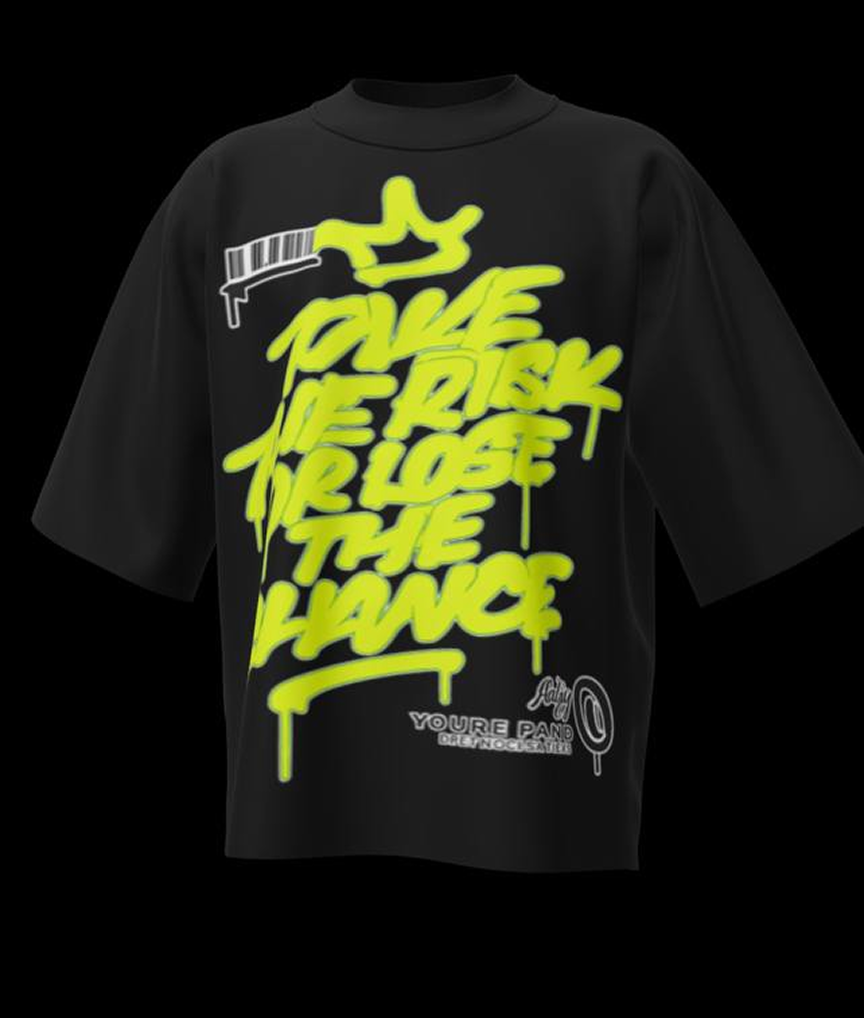
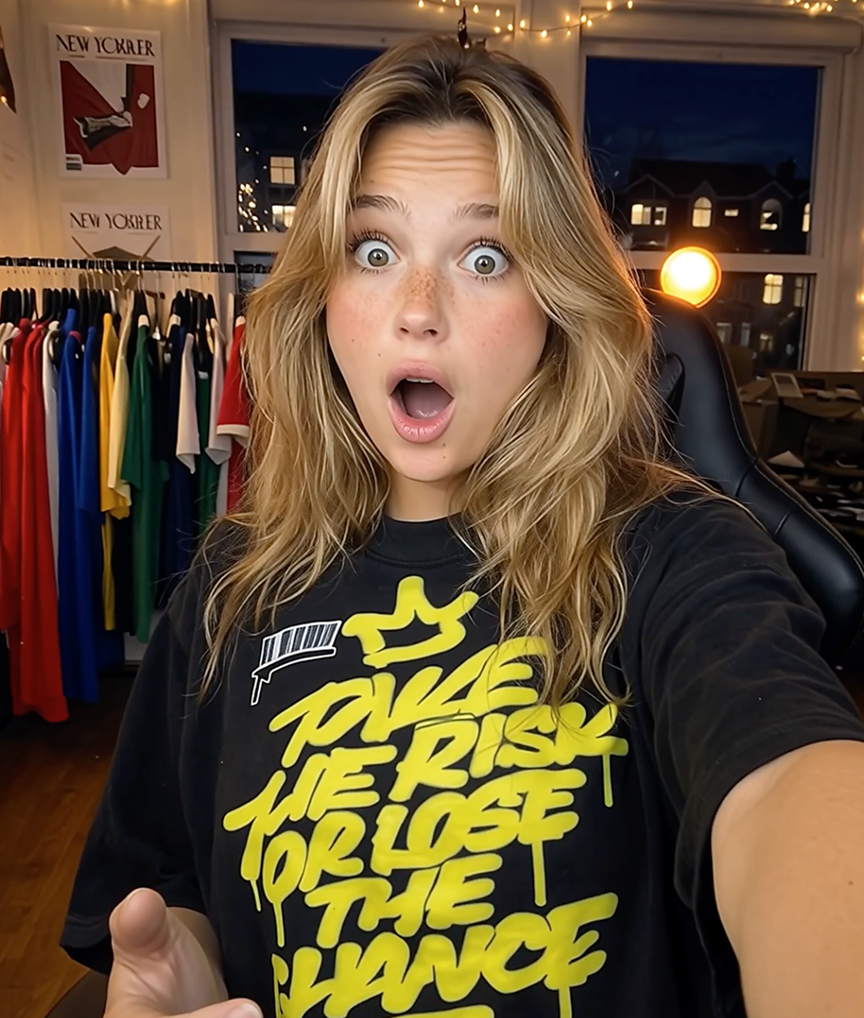
Bottoms are notoriously hard to sell from flat photos: the entire purchase decision — taper, rise, how the cuff stacks on a shoe — only exists on a body. That is why sweatpants and joggers underperform tops in most catalogs. Mockup Tool closes the gap by generating your actual pair on a realistic model, fit and taper intact.
For brands selling matching sets, this also unlocks the money shot: the hoodie and sweatpants generated in one consistent visual style, making the set purchase obvious on the product page.
Why Mockup Tool
Fit questions answered
Rise, taper, and cuff behavior show on a real silhouette — cutting the sizing hesitation that kills bottoms conversion.
Set-selling visuals
Generate tops and bottoms in matching model and backdrop styles to merchandise complete sets.
Detail fidelity
Side pockets, cargo panels, embroidery, and pintucks carry over from your photo accurately.
How It Works
Snap a flat photo
Lay the garment flat and photograph it with your iPhone — no studio or equipment needed.
AI generates the model
The AI maps your real garment onto a realistic model with natural drape, lighting, and texture.
Export in 4K
Download studio-quality images ready for listings, ads, and social — in about 15 seconds.
Frequently Asked Questions
Do joggers and straight-leg sweatpants both work?
Yes. The AI preserves the actual cut from your photo, so tapered joggers stay tapered and relaxed fits stay relaxed.
Can I create matching set photos?
Generate the hoodie and the sweatpants with the same model style and background — the results read as one photoshoot.
How should I photograph sweatpants for the AI?
Lay them flat with the legs straight and the waistband smoothed, shoot from above in even light — that gives the AI the cleanest read on the cut.
Do cargo pockets and side stripes transfer?
Yes — structural details and trims are generated from your photo, so cargo panels and stripes land where they belong.
Ready to Create PROFESSIONAL MOCKUPS?
Available for iOS