Blog · November 11, 2026
Product Photos for a Clothing Brand Launch: The Set You Need
Short answer
A clothing brand launch needs five kinds of photo per product: a clean hero shot, an on-model shot that shows fit, a flat lay for detail and layout, a close-up of the fabric and print, and a lifestyle shot that sets the mood. You can produce the whole set without a studio by photographing each piece flat and generating the on-model and lifestyle versions with an AI mockup tool, so the launch looks cohesive and professional from day one.
A clothing brand gets one first impression, and it happens through photos. Before anyone reads your about page or feels the fabric, they judge the brand on the images — and a launch that mixes a crisp studio shot with a dim phone snap reads as amateur instantly. The fix isn’t a bigger budget; it’s knowing the specific set of shots a launch needs and producing all of them to a consistent standard. Here’s that set, and how to make it without booking a studio.
The five shots every product needs
- Hero shot: the product clean and centered, the main listing image — crisp, true color, no distractions.
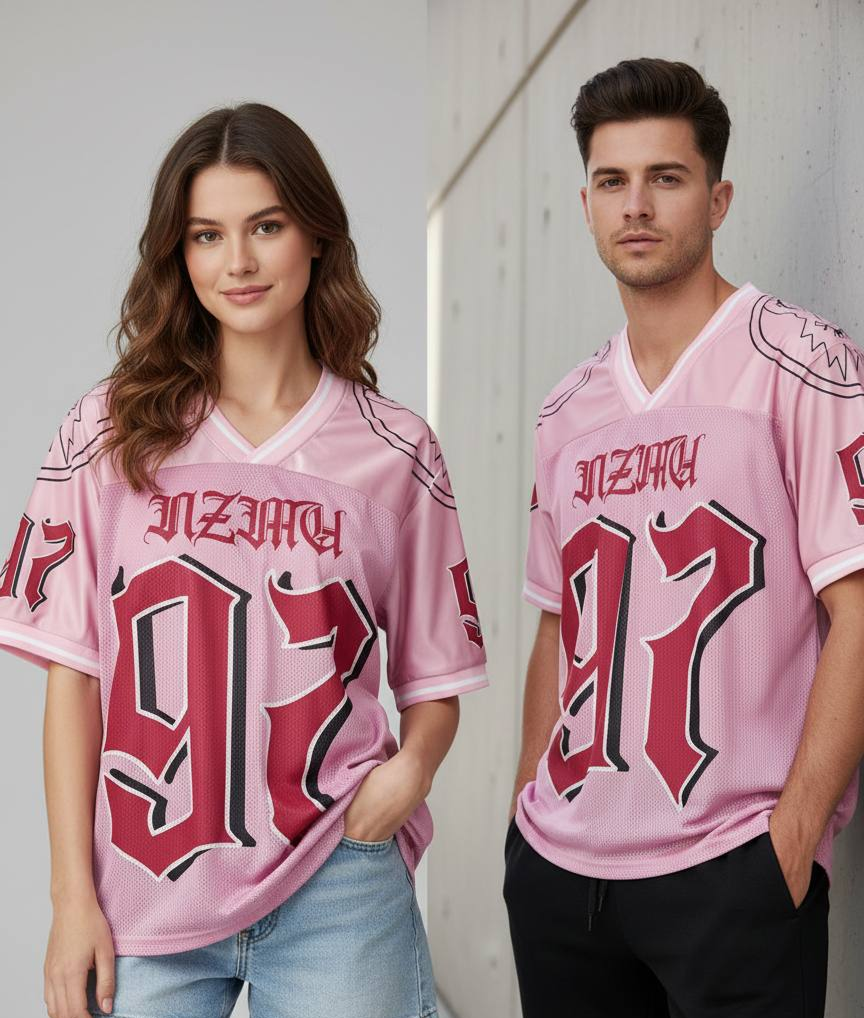
- On-model shot: the piece worn, so buyers can judge fit, drape, and proportion — the shot that sells apparel.
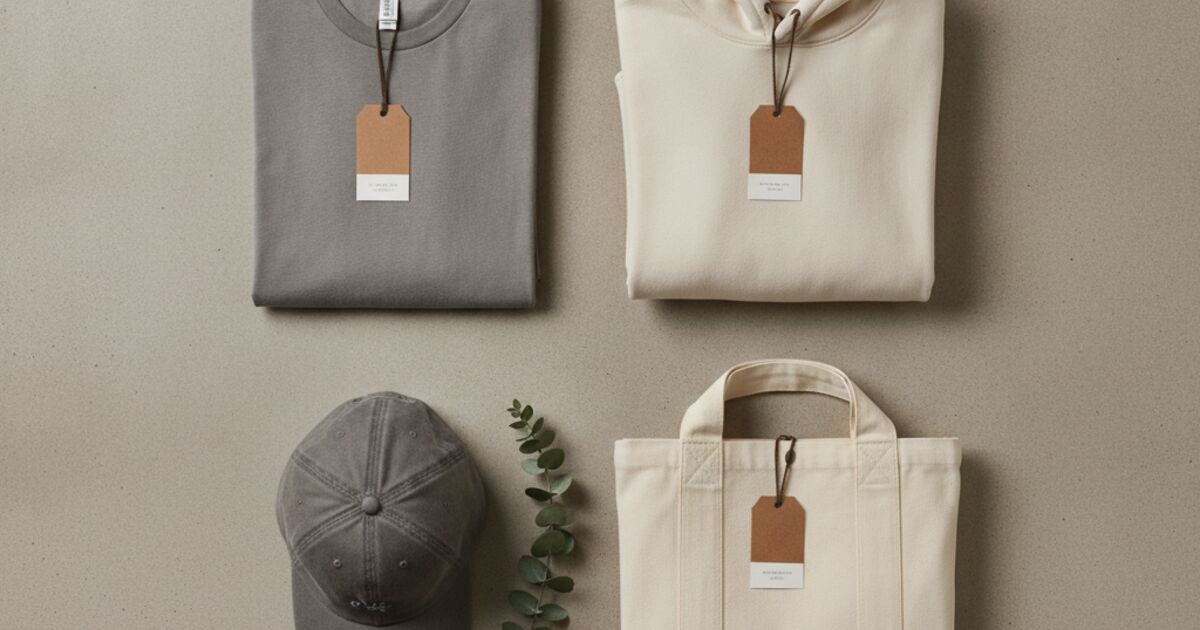
- Flat lay: the garment laid out flat to show the full design, cut, and any layout detail.
- Detail close-up: fabric texture, print, stitching, labels — the cues that signal quality.
- Lifestyle shot: the product in a setting or mood that matches the brand, for ads and social.
Every product in the launch should have the same five, shot the same way. Consistency is what makes a handful of pieces look like a brand instead of a pile of items — same framing, same light, same background logic across the range.
You only need to photograph flat
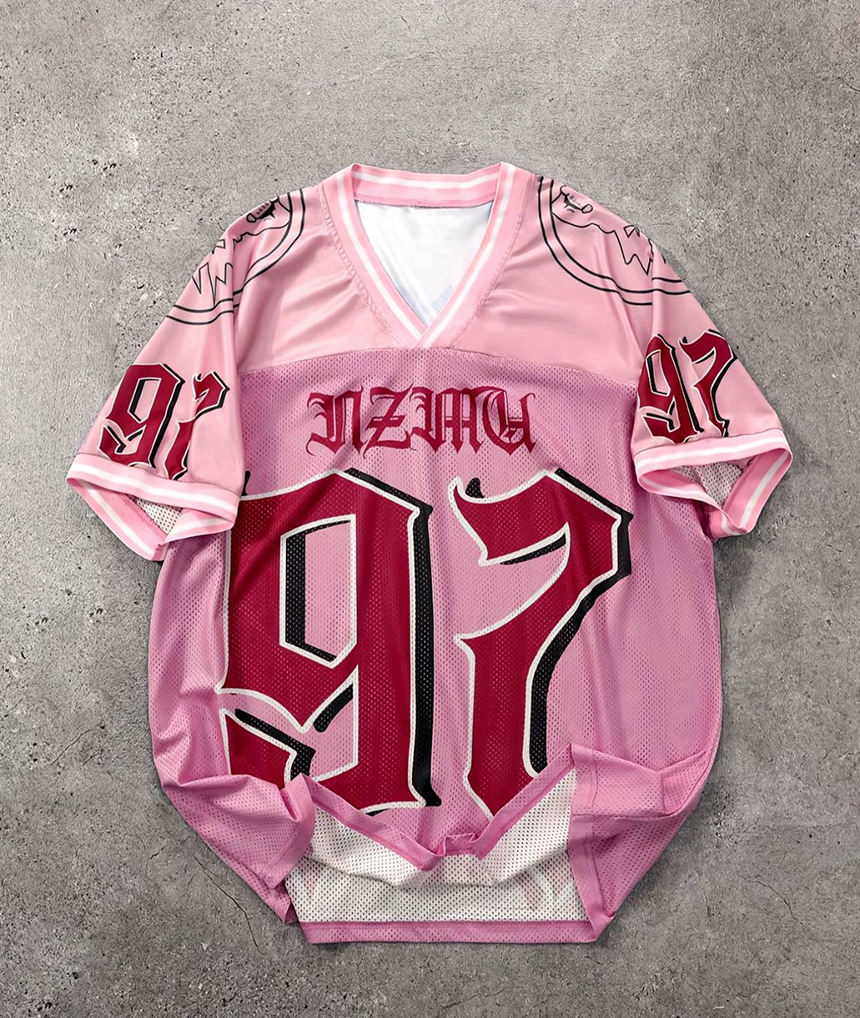
The expensive parts of that set are the on-model and lifestyle shots — they traditionally mean a model, a location, and a photographer. But you can skip all of it. Photograph each piece laid flat (the hero and flat lay come straight from that), then generate the on-model and lifestyle versions with an AI mockup tool. Mockup Tool builds a realistic model wearing your actual garment from the flat photo, so the fit shot and the styled lifestyle shot come from the same two minutes of shooting.
Keep it consistent across the range
Because every mockup is generated from your own photos, you control the variables that make a launch cohesive: use the same model type and background for the on-model set, the same scene for lifestyle shots, and the same flat-lay setup for every piece. Generate them all in an afternoon, and the store reads as one considered collection rather than a mix of sources.
A realistic launch-day checklist
- Photograph each piece flat in soft, even light, straight down, on a plain background.
- Use the flat photos directly as the hero and flat-lay images.
- Generate on-model shots for fit, keeping the model and background consistent.
- Generate one or two lifestyle scenes per piece for ads and social.
- Shoot tight detail close-ups of fabric, print, and labels with your phone.
- Export everything at high resolution and review the set side by side for consistency.
What this replaces — and what it doesn’t
This gives a new brand a complete, consistent launch set without a photoshoot, which is usually the difference between launching this month and waiting on a studio budget. It won’t certify exact fit on a specific body, and a flagship campaign may still warrant a real shoot later — but for getting a brand live and looking professional on day one, the flat-photo-plus-mockup workflow covers the whole set.
Frequently Asked Questions
What product photos does a clothing brand launch need?
Five per product: a clean hero shot, an on-model shot for fit, a flat lay for the full design, a detail close-up of fabric and print, and a lifestyle shot for mood. Shoot every product the same way so the launch looks cohesive.
Can I launch a clothing brand without a photoshoot?
Yes. Photograph each piece flat, use those as the hero and flat-lay images, and generate the on-model and lifestyle shots with an AI mockup tool like Mockup Tool. It produces the full set from flat photos, with no model or studio.
How do I keep the photos consistent across products?
Use the same flat-lay setup, the same model type and background for on-model shots, and the same lifestyle scene across the range. Because mockups are generated from your own photos, you control those variables for every piece.
Is it free to make the mockups?
Mockup Tool is free to download and lets you generate mockups before upgrading. It runs on iPhone and iPad and exports high-resolution images suitable for listings and ads.
