Blog · September 28, 2026
Merch Mockups for Creators & Bands
Short answer
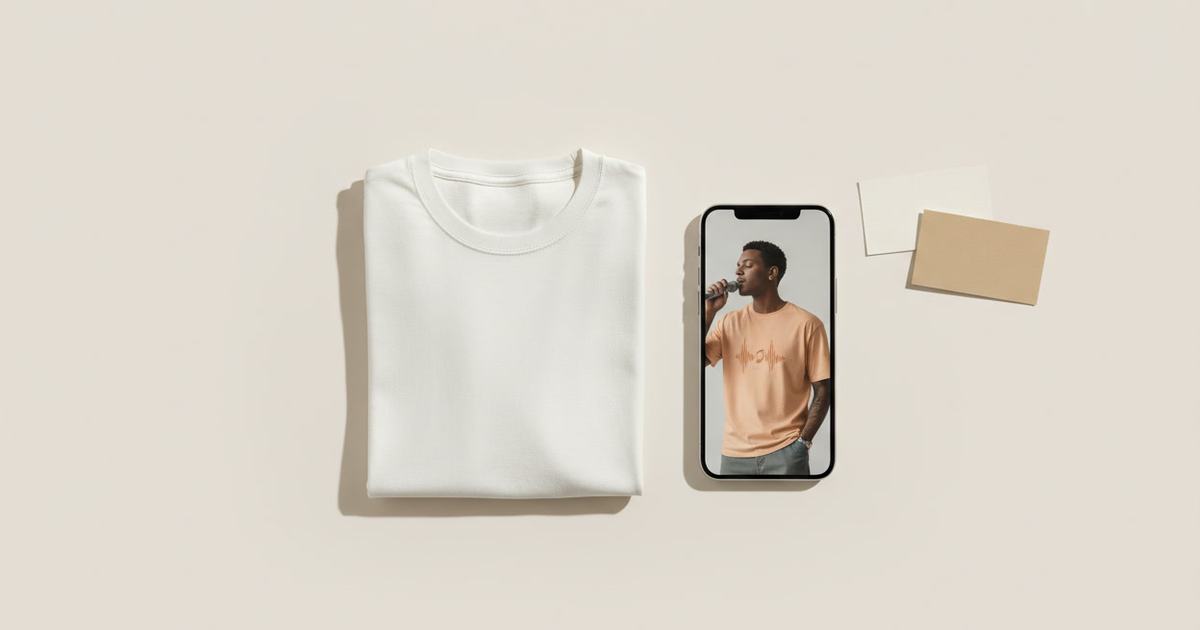
To make merch mockups that match your content quality, order one sample of your design, photograph it flat, and use an AI mockup generator to create on-model images from it. That gives creators and bands campaign-quality drop visuals without a photoshoot — unique to the merch instead of the default template every store shares. Mockup Tool does it on iPhone at 4K.
Creator merch has a credibility gap. The content is polished and on-brand, but the store often runs on default print-on-demand mockups — the same flat template photo your audience has already seen under a dozen other creators’ drops. That mismatch quietly undercuts the merch: it reads as generic, and generic merch is priced like generic merch. Closing the gap doesn’t take a photoshoot — it takes one sample and a mockup generator.
Why default POD mockups hurt a drop
A drop is a spike — a burst of attention that either converts or passes. In that moment, the visuals set the perceived value. Default template mockups signal “drop-shipped,” which is the opposite of the intentional, premium feel your content earned. When the photo looks like a real campaign, the merch feels worth more, and the audience is willing to pay accordingly. Same product, different photo, different result.
How to make merch mockups that convert
- Order one sample of the design — worth doing for quality control anyway.
- Photograph it flat in even light, wrinkles smoothed, whole piece in frame.
- Generate on-model images with Mockup Tool — front, back, and a styled look.
- Generate on body types that match your audience, not a generic stock model.
- Export at 4K and build the drop announcement around the strongest shot.
Because the images are built from a real sample of your merch, they’re unique to your store — not the shared template every other creator’s drop uses — and they match what actually ships. One sample turns into listing images, the drop announcement, and social content.


For bands, streamers, and communities
Bands, streamers, YouTubers, and community brands all live or die by the drop moment, and all start from the same disadvantage: a POD store that looks like everyone else’s. Generating from a sample lets a solo creator present merch like an established apparel brand — campaign-grade visuals, consistent across the line — without a studio or a model budget. See the setup built for merch creators, or start with the free mockup generator.
What it shows — and what it doesn’t
Merch mockups are realistic previews built from your real sample, not technical fittings. They show how the piece reads on a body — fit, print, styling — accurately enough to sell a drop; they don’t certify exact measurements. For the launch imagery a creator actually needs, that preview is the right tool at the right cost.
Frequently Asked Questions
How do I make good merch mockups for a drop?
Order one sample, photograph it flat, and use an AI mockup generator like Mockup Tool to create on-model images from it. You get campaign-quality visuals unique to your merch — not the default template every POD store shares — without a photoshoot.
Why do creator merch stores look generic?
Most run on the built-in print-on-demand mockups, which hand every store the same flat template photo. Your audience has seen it under other drops, so it reads as generic and caps the perceived value of the merch.
Can I make merch mockups without a photoshoot?
Yes. From one flat photo of a sample, an AI generator produces on-model images — front, back, styled. Mockup Tool runs on iPhone, generates in about 15 seconds per image, and exports at 4K, so a solo creator can present merch like a real brand.
Do I need to order a sample first?
It’s the best path, because generating from your real sample makes the images both unique and accurate to what ships — and you’d order a sample for quality control anyway. One sample covers listing photos, the drop announcement, and social.
