Blog · November 6, 2026
AI T-Shirt Design Tool: From Idea to Mockup
Short answer
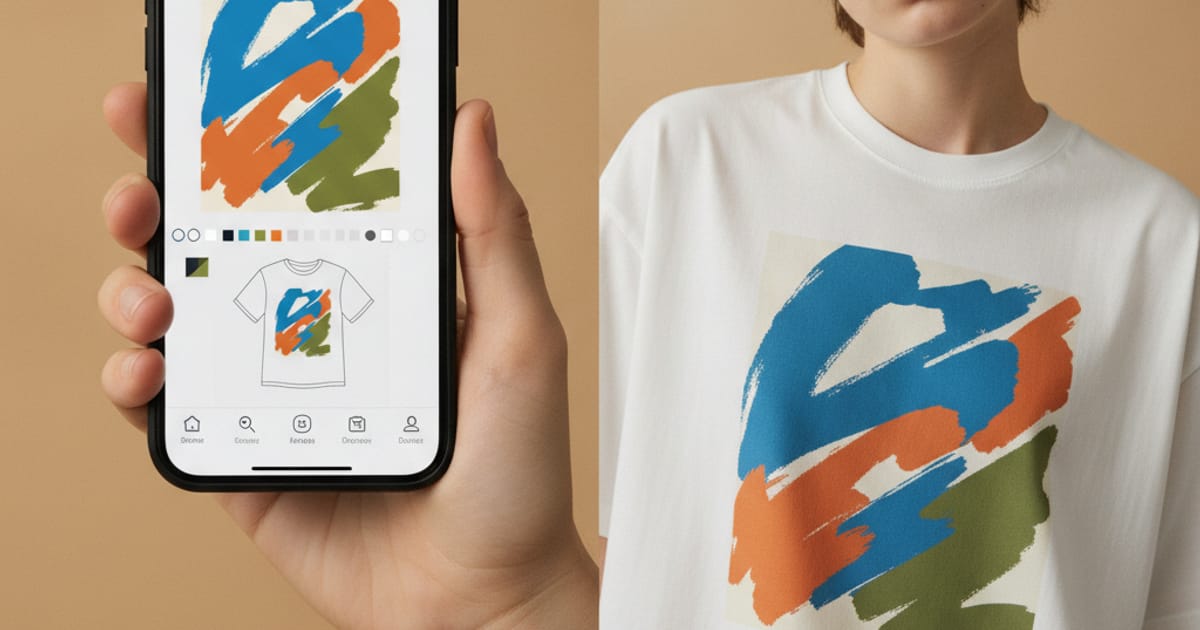
To design a t-shirt with AI, generate or upload the graphic, place it on the shirt, then preview it on a realistic model before you print. Mockup Tool does all three on iPhone: its AI art generator turns a text idea into clothing-ready artwork, brush and text tools let you refine it on the garment, and it renders the finished shirt on an AI model at 4K in about 15 seconds.
There are two halves to designing a t-shirt, and most apps only give you one. The first half is the artwork — the graphic, the type, the layout. Plenty of tools cover that. The second half is the part that decides whether the shirt sells: seeing the design printed on a real garment, on a body, before you commit a cent to printing. A design that looks sharp on a white canvas can fall apart on fabric — too small, lost in a seam, wrong against skin tone. An AI t-shirt design tool worth using closes that gap in one place: idea in, mockup out.
The gap most t-shirt design apps leave
Open a typical designer app and you get a flat canvas, a font menu, and a preview that floats your artwork on a stock shirt graphic. It tells you nothing about scale on a real chest, how the print sits over a seam, or whether the colors hold on fabric instead of screen. So you export, send it to print, and find out with the sample — the slowest and most expensive way to learn. The point of designing with AI is speed, and that speed is wasted if the last step still runs on guesswork.
Design a t-shirt with AI, step by step
- Start the graphic: describe what you want and let the AI art generator produce clothing-ready artwork, or upload a logo or design you already have.
- Put it on a garment: place the graphic on the shirt and size it where it should print — chest, pocket, full front.
- Refine on the fabric: use the brush tool to paint directly on the garment and the text tool to set typography straight onto it.
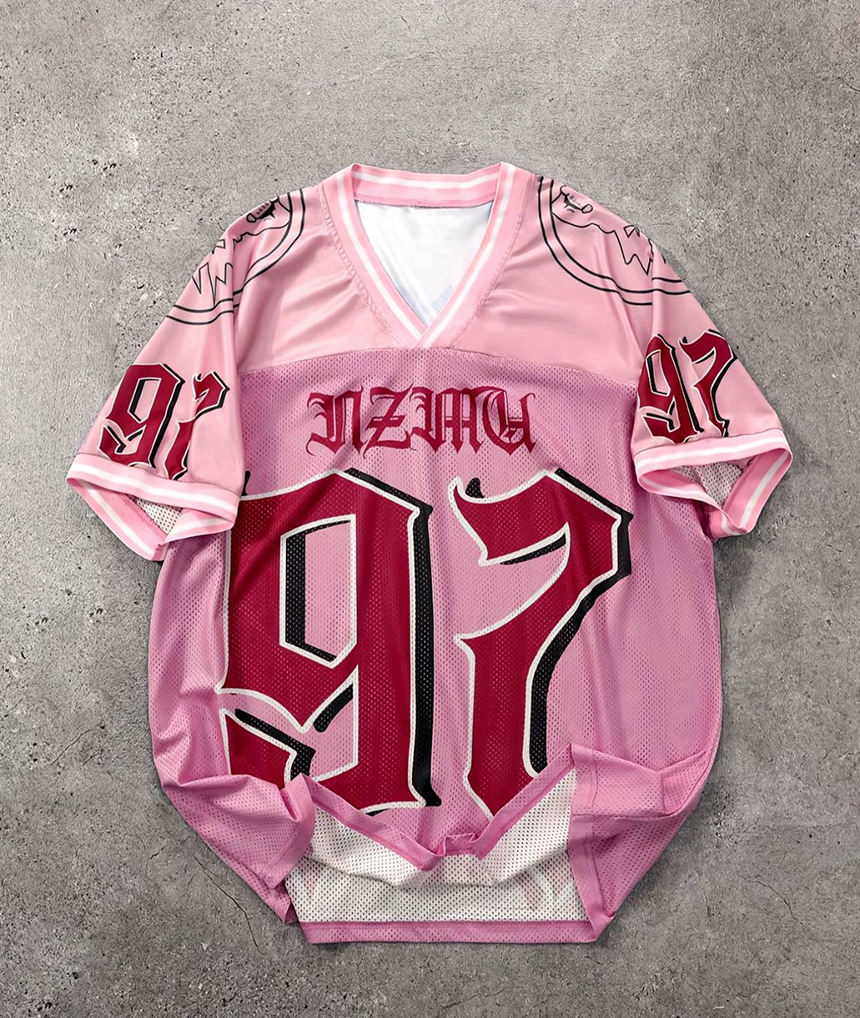
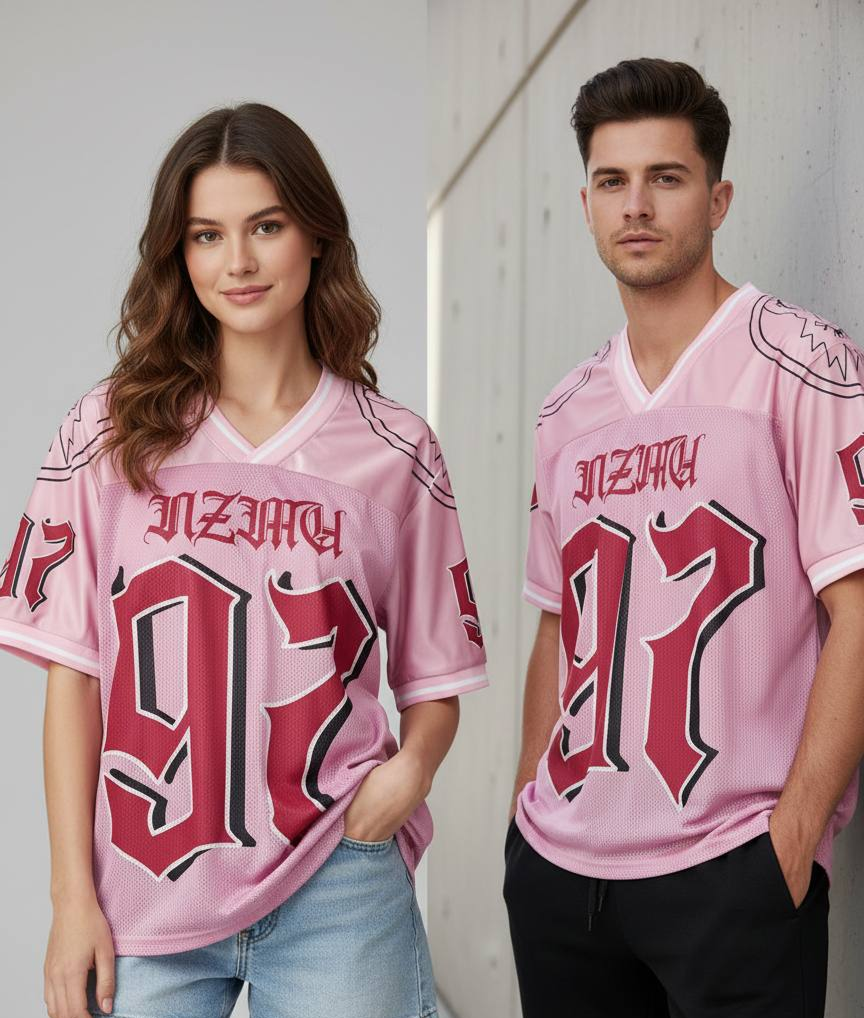
- Preview on a model: generate the shirt on a realistic AI model so you judge scale, placement, and color on a body — not a flat canvas.
- Export: save a 4K image ready for your listing, ad, or social post.
The whole loop runs on the phone, which is the part that changes how you work. You can go from a prompt to a sellable mockup in a single sitting, try three directions instead of one, and kill the weak ideas before they ever reach a printer.
Where the AI art generator helps — and where you steer
The AI art generator is fastest at the blank-page problem: turning a rough idea — a phrase, a mood, a motif — into finished artwork in seconds, with no sketching and no Photoshop. That is where it earns its place. What it does not do is read your mind, so the useful habit is to treat the first generation as a starting point: regenerate with a tighter description, then take over with the brush and text tools to place the design exactly where you want it. If you already have brand artwork, skip the generator entirely and upload it — the design tool is just as happy placing your own file as making one.
What the design tool can and can’t do
- It can generate original graphics from a text idea, or take a logo or artwork you upload.
- It can place, paint, and set type directly on the garment, then render the result on a realistic AI model with true drape and lighting.
- It can show the shirt as an interactive 3D model you spin and rotate, and export 4K images.
- It can’t upload a photo of a specific person to act as the model — the models are AI-generated.
- It can’t replace a fit sample: a mockup is a realistic preview of how the design reads, not a guarantee of exact fabric behavior.
- It’s iOS only — iPhone and iPad — with no web, desktop, or Android version.
From one design to a sellable listing
A finished design is not a finished listing. Once the graphic is on the shirt, generate the set a storefront actually needs: a clean studio shot for the product page, a styled background for social, and the same design across different body types so the listing reads honestly. Because every image is built from your real design rather than a shared template, the photos are unique to your store — which matters most for print-on-demand, where everyone is selling from the same blanks and the mockup is the only thing that looks different.
Who this workflow is for
It fits anyone who designs and sells shirts without a studio: solo print-on-demand sellers testing ideas, streetwear labels iterating on a drop, and brands that want listing photos the same day they finalize a graphic. Design the shirt, preview it on a model, and export — then move to the next idea. Try it in the AI t-shirt designer, go deeper on the brush and text tools in the clothing design app, or start free with the free mockup generator.
Frequently Asked Questions
How do I design a t-shirt with AI?
Generate a graphic from a text description (or upload your own), place it on the shirt and refine it with brush and text tools, then preview it on a realistic AI model before printing. In Mockup Tool the whole workflow happens in one iOS app, with 4K export.
Do I need design skills or Photoshop?
No. The AI art generator turns a text idea into clothing-ready artwork with no sketching or Photoshop, and you place and adjust it on the garment right in the app. If you prefer, you can upload artwork you already have instead.
Can I use my own logo instead of AI-generated art?
Yes. You can upload a logo or existing design and drop it onto any garment, then render it on a model. The AI generator is optional — it’s there for when you want new artwork from scratch.
Can I see the design on a model before I print?
That’s the core of the tool. The finished design goes onto a realistic garment worn by an AI model with true drape and lighting, so you judge scale, placement, and color on a body — not a flat canvas. It generates in about 15 seconds and exports at 4K.
