Blog · July 7, 2026
How to Make T-Shirt Mockups for Etsy Without Photoshop
Short answer
You don’t need Photoshop to make t-shirt mockups for Etsy. Order one sample of your design, photograph it laid flat with your phone, and use an AI mockup app like Mockup Tool to generate on-model listing photos in about 15 seconds. The result is unique to your shop, unlike stock templates shared by thousands of sellers.
Open any t-shirt search on Etsy and count how many listings use the exact same mockup: same model, same pose, same living-room background. Those images come from the free generators inside Printful, Printify, and the big template libraries — and because everyone has access to them, they cancel each other out. When photos are identical, buyers compare on price, and the race to the bottom begins.
Why your listing photo matters more than your design
Etsy search works on engagement: listings that get clicked and favorited rank higher, and the thumbnail is nearly all a buyer sees before clicking. A distinctive photo is therefore not cosmetic — it is the single highest-leverage SEO input you control. Two listings with the same design and different photos will perform completely differently.
The three ways to get mockups (and what they cost)
- Template generators (Placeit, Canva, your POD dashboard) — fast and cheap, but shared with hundreds of thousands of sellers. Your photo is, by construction, not unique.
- A real photoshoot — unique and beautiful, but $300–$1,500 per session plus scheduling. Rarely viable per-listing for a small shop.
- AI mockups from your real product — photograph your printed shirt flat, and AI generates it on a realistic model. Unique like a photoshoot, priced like a template.
See the difference yourself
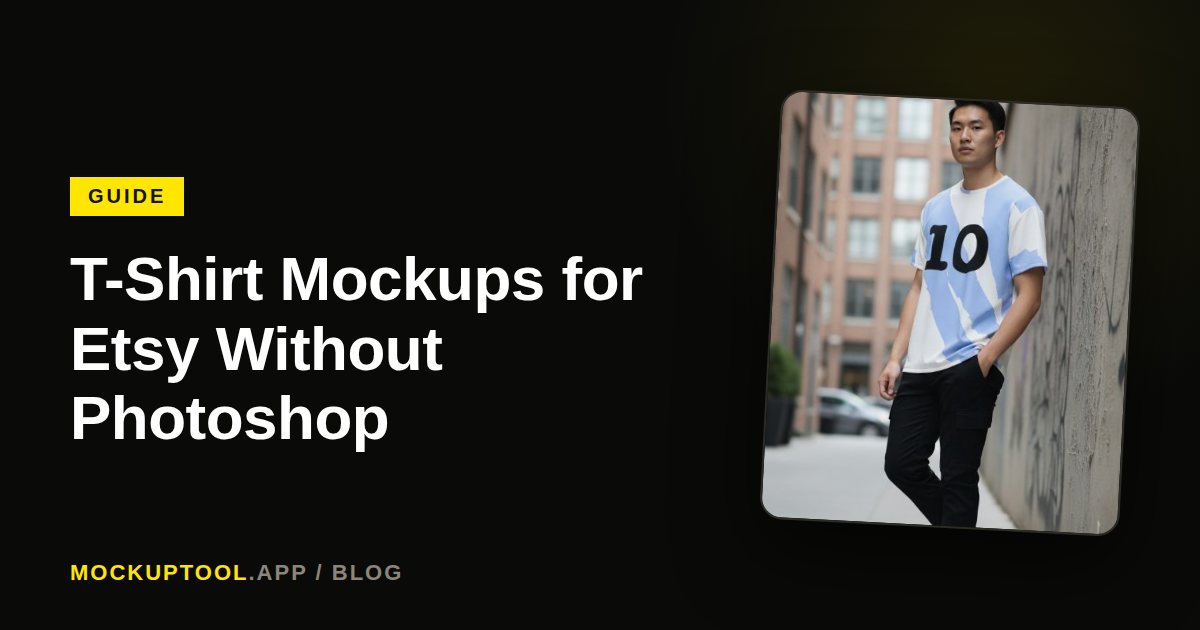
This is the exact transformation we’re talking about — drag the handle to compare a flat lay with the AI-generated on-model photo built from it:


The workflow, start to finish
Order one sample of your design — you should see and touch what your customers receive anyway. Lay it flat on a plain surface near a window, smooth the wrinkles, and shoot straight down with your phone. Upload the photo to Mockup Tool and generate: the AI puts your actual shirt on a model with realistic drape and lighting in about 15 seconds. Vary the model and background, and export enough images to fill all ten Etsy photo slots.
Total cost: one sample. Total time: under an hour, most of it waiting for good window light. And every image is exclusive to your shop, because it was generated from your product — no other seller can produce it.
What to put in each of Etsy’s ten photo slots
- Slot 1: your strongest on-model shot — this is the search thumbnail.
- Slots 2–4: model variations — different pose, body type, background.
- Slot 5: a clean flat lay showing the full print.
- Slot 6: a close-up of the print detail and fabric.
- Slots 7–8: lifestyle contexts that match your buyer (street, studio, cozy).
- Slots 9–10: size chart and care/shipping info graphics.
The pattern is simple: unique on-model photos win the click, detail shots close the sale. Both are now producible from one flat photo and a phone.
Frequently Asked Questions
Can I make Etsy mockups without buying a sample?
You can use your POD platform’s free templates to start, but they are identical to every other shop’s. One sample order of your bestseller unlocks unique photos for the listing that drives most of your revenue.
What tools do I need for Etsy t-shirt mockups?
A phone camera, decent window light, and an AI mockup app. No Photoshop, no PSD templates, no design skills.
Do on-model photos really perform better on Etsy?
Photos are the biggest click driver in Etsy search, and a distinctive on-model photo stands out against the identical stock mockups competitors use. Clicks and favorites feed Etsy’s ranking, so better photos compound.
