Blog · September 23, 2026
The Best Smartmockups Alternatives for Apparel
Short answer
The best Smartmockups alternative depends on what you need. Since Smartmockups was folded into Canva, template fans can stay there or use Mockey. But if you want realistic photos of your actual clothing, an AI generator like Mockup Tool is the better fit — it builds on-model images from your real garment instead of pasting your design onto a shared stock blank.
Smartmockups was acquired by Canva and folded into its mockup feature, which left a lot of apparel sellers wondering whether a general-purpose design suite is really what they need. If your job is realistic photos of your clothing — not a design tool with mockups bolted on — the answer is often no. Here are the alternatives worth knowing, grouped by what you’re actually trying to do.
First: what did you use Smartmockups for?
If you used it for quick template mockups and you already live in Canva, staying put is reasonable. If you used it because you needed apparel photos and it was the closest thing, that’s the signal you’ve outgrown template tools. Naming the reason decides the alternative: convenience points one way, unique product photos point another.
Template alternatives: Canva, Mockey
These work the way Smartmockups did — pick a stock blank, drop your design on, export. Canva now hosts the Smartmockups engine directly, and Mockey offers a free apparel mockup maker. They’re fine for a fast draft. The limit is the one every template tool shares: your mockup is only as unique as the template you pick, and the garment isn’t yours.
The AI alternative: build from your real garment
This is the category that actually differs. Instead of a stock blank, Mockup Tool generates an on-model image from a photo of your real garment — in about 15 seconds on iPhone, at 4K. It’s a dedicated apparel tool, not a design suite, so there’s nothing to wade through: photograph the garment, get the shot. Because it’s built from your product, the fabric texture, true fit, and print placement stay accurate and the image is unique to your store — beyond the template ceiling entirely. Compare it on our Smartmockups alternative page.
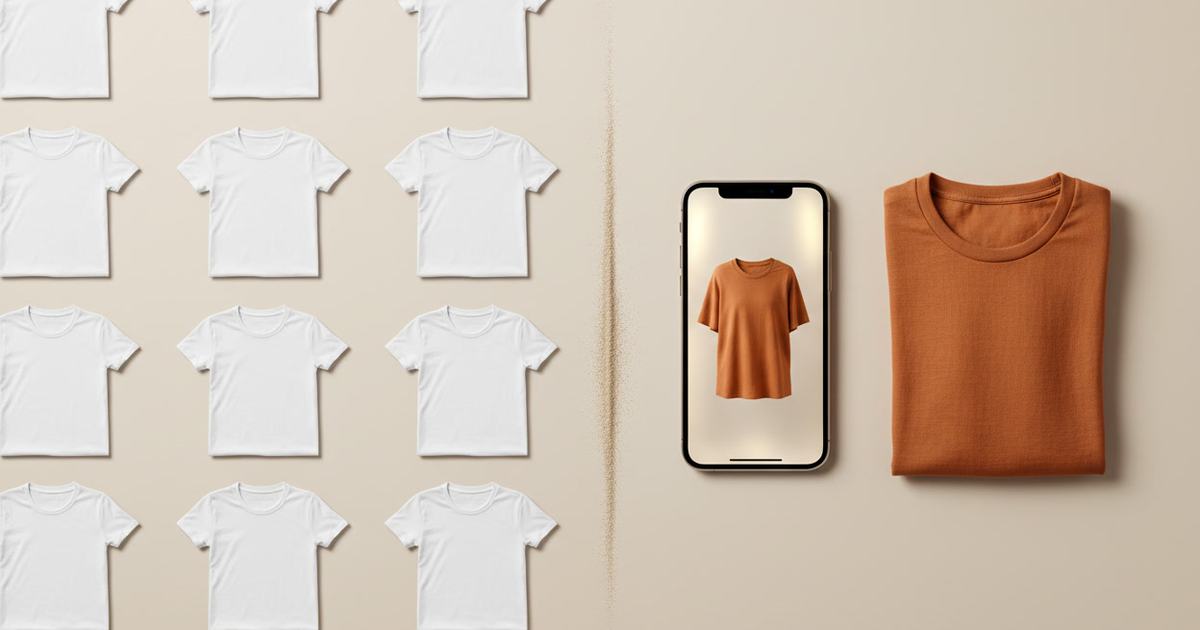
Drag the handle to compare a shared-template look with an image generated from a real garment:


How to choose
- Already in Canva, need a quick draft: stay with Canva’s built-in mockups.
- Want a free template maker outside Canva: Mockey.
- Need unique, accurate listing photos of your real clothing: an AI generator like Mockup Tool.
- Selling structured pieces: generate from your product so fit and detail are right.
The bottom line
Smartmockups moving into Canva is a fork in the road: follow it if templates were always enough for you, or switch to a tool built for apparel if what you needed all along was photos of your own product. For a store you’re growing, the second path is the one that makes your listings look like nobody else’s.
Frequently Asked Questions
What happened to Smartmockups?
Smartmockups was acquired by Canva and folded into Canva’s mockup feature. You can still use that template engine inside Canva, but there’s no separate Smartmockups product to sign up for anymore.
What’s the best Smartmockups alternative for apparel?
For quick templates, Canva (which now hosts Smartmockups) or Mockey. For unique, accurate photos of your actual clothing, an AI generator like Mockup Tool — it builds on-model images from your real garment instead of a shared stock blank.
Is there a free Smartmockups alternative?
Yes. Canva has a free tier and Mockey offers free apparel mockups, both template-based. Mockup Tool is free to download on iOS with generation available before you subscribe, and it builds from your own garment.
Why choose an AI generator over a template tool?
For listing images, the AI route gives you photos that are both unique and accurate because they’re built from your real product. A template tool is fine for a quick draft but hands you the same stock blank as every other seller.
