Blog · September 2, 2026
Mockup Maker vs Mockup Generator: What’s the Difference?
Short answer
A mockup maker (or mockup creator) puts your design onto a ready-made template — you pick a blank and place your artwork. A mockup generator builds the image with AI, often from a photo of your own garment, instead of a stock template. The maker is faster for quick drafts on shared blanks; the generator gives you images that are unique to your product.
Search for a way to make clothing mockups and you’ll hit both terms — “mockup maker” and “mockup generator” — used as if they mean the same thing. They don’t. The difference is in how the image is built, and once you see it, it’s obvious which tool fits which job. Here’s the distinction, in plain terms.
What a mockup maker does
A mockup maker — sometimes called a mockup creator — is a template editor. You choose a pre-shot blank (a plain tee, a hoodie on a model), drop your design onto it, adjust the placement, and export. Placeit and Canva’s mockup tools work this way. The workflow is fast and predictable, and it’s genuinely good for a quick draft or a social post. The catch is baked into the model: the garment in the photo isn’t yours, and the same blank is available to every other seller using that library.
What a mockup generator does
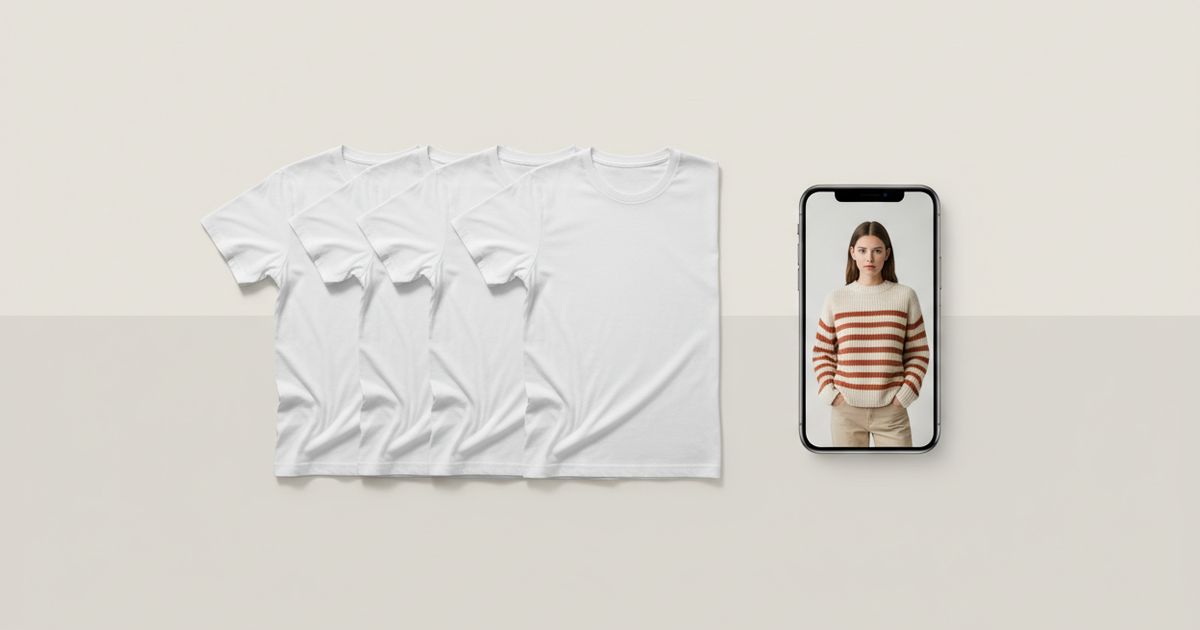
A mockup generator builds the image instead of editing a template. The AI kind — like Mockup Tool — takes a photo of your actual garment laid flat and generates an on-model image from it, reconstructing fit, drape, and lighting. Nothing is pulled from a shared library, so the result is tied to your real product. It’s a different trade: a few seconds of generation instead of instant template placement, in exchange for an image no competitor can reproduce.
The difference in one line
- Mockup maker / creator: your design on a shared stock template. Instant, generic.
- Mockup generator (AI): an image built from your own garment. Seconds, unique.
- Maker keeps the same blank across every user; a generator ties the image to your product.
- Maker is placement; a generator is generation.


Which one do you actually need?
It comes down to what the image is for. If you need a throwaway visual — a quick concept, a story post, a placeholder — a maker is the faster route and often free. If the image is a product listing that has to sell and look like it’s yours, a generator built from your real garment is the better fit, because uniqueness and accuracy are exactly what a template can’t give you. Many sellers use both: a maker for drafts, a generator for the photos that go live.
Where Mockup Tool sits
Mockup Tool is a generator, not a template library. You photograph your garment flat and it produces an on-model image on realistic models of different body types — in about 15 seconds on iPhone, at 4K. It also includes brush and text tools for editing designs directly on the garment, so the design step and the generation step live in one app. Try it with the free mockup generator, or see how it stacks up against a template library on our Placeit alternative page.
Frequently Asked Questions
What’s the difference between a mockup maker and a mockup generator?
A mockup maker (or creator) places your design onto a ready-made template — a shared stock blank. A mockup generator builds the image with AI, often from a photo of your own garment, so the result is unique to your product rather than pulled from a library.
Is a mockup maker the same as a mockup creator?
Yes — “maker” and “creator” are used interchangeably. Both describe template-based tools where you drop a design onto a pre-shot blank. That’s different from an AI generator, which builds the image from your actual garment.
Which is better for a store listing?
For listings that need to sell and look like your own, an AI mockup generator is usually better because the image is unique and built from your real product. A template maker is better for quick drafts, concepts, or social posts.
Can one tool do both?
Some overlap. Mockup Tool is a generator but also includes brush and text tools to edit a design on the garment, so design and generation happen in one place — though it builds from your real garment rather than a stock template library.
