Blog · September 21, 2026
360° Rotating Clothing Mockups, Explained
Short answer
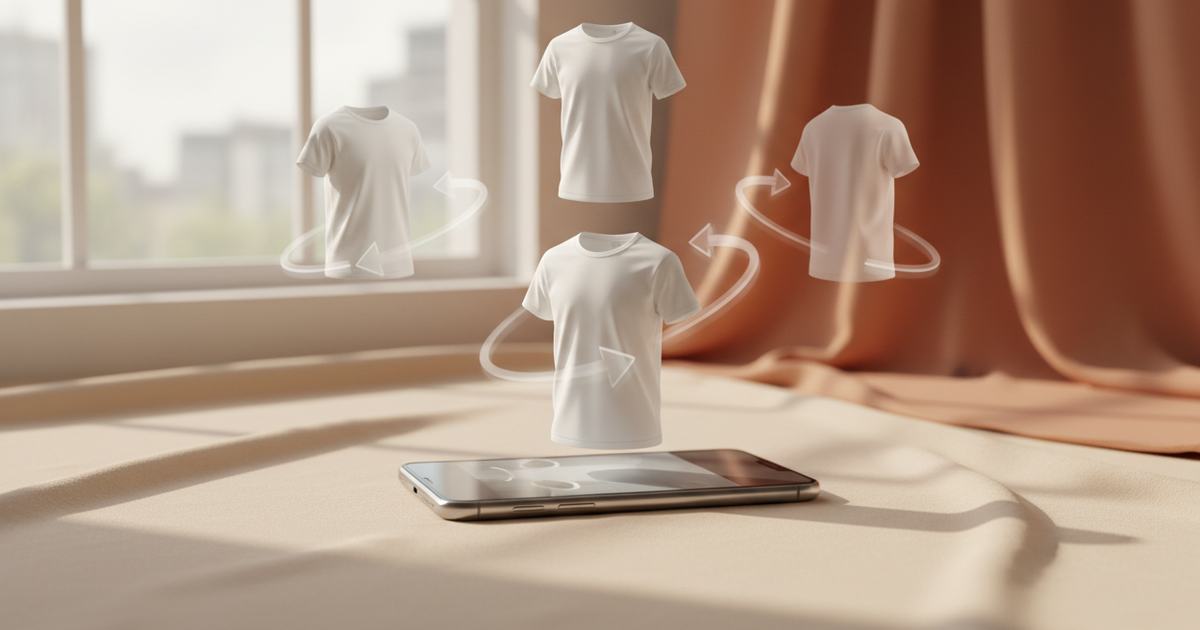
A 360° clothing mockup is an interactive 3D model of your garment that you can spin and view from any angle — front, back, side, three-quarter — instead of a single flat image. It helps shoppers judge the design all the way around and lets you catch print-placement mistakes before production. Mockup Tool turns your garment into a rotatable 3D model on iPhone.
A flat mockup shows one angle and asks the customer to imagine the rest. A 360° mockup removes the guesswork: it’s an interactive 3D model of your garment that you rotate with a finger, checking how the print wraps and how the fabric folds from every direction. For anything where the design continues around the body — a back print, a sleeve hit, a wrap-around graphic — that difference is the whole story.
What a 360° mockup actually is
It’s not a video and not a spun-together set of photos — it’s a 3D model you control. You spin the garment front to back, tilt it, and inspect the three-quarter angles a flat shot can never show. Where a single image freezes one viewpoint, a rotating mockup lets the viewer answer their own questions about the sides, the back, and how the whole piece reads in the round.
Why it catches mistakes a flat shot hides
This is the underrated part: rotating a garment is the fastest way to spot a design problem before printing. A graphic that looks perfectly centered from the front can sit awkwardly across a side seam, or a back print can land too high — and you only see it when the garment turns. Catch it on screen, fix it, then send it to production, instead of discovering it on a box of finished shirts.


How to make a 360° mockup
- Photograph your garment flat and clean, as you would for any mockup.
- Use Mockup Tool to turn it into a 3D clothing mockup you can rotate on your phone.
- Spin through front, back, and three-quarter to check the design wraps correctly.
- Fix any placement issues before you commit to a print run.
- Export the angles you want as 4K stills for listings and social.
Where rotating mockups help most
They’re most useful for garments where the design lives on more than the front — back prints, wrap-around graphics, sleeve details — and for design review before production, where catching a placement error saves a whole run. For a customer, the ability to spin the garment builds the confidence a flat photo can’t. Explore the 3D clothing mockup tool, or the 3D t-shirt mockup designer for tees specifically.
What it is — and isn’t
A 360° mockup is a realistic 3D preview for judging design and placement, not a technical fitting or a fabric simulation. It shows how the graphic wraps and how the garment reads in the round; it doesn’t certify exact measurements or physics. For design review and richer listings, that preview is exactly the right tool.
Frequently Asked Questions
What is a 360° clothing mockup?
It’s an interactive 3D model of your garment that you can spin and view from any angle — front, back, side, three-quarter — instead of a single flat image. Mockup Tool turns a flat photo of your garment into a rotatable 3D mockup on iPhone.
How is a rotating mockup different from a normal one?
A normal mockup is one fixed viewpoint; a 360° mockup is a 3D model you rotate to see every side. That lets shoppers judge the whole garment and lets you check how a design wraps around it, which a single image can’t show.
Can a 360° mockup catch print mistakes?
Yes — that’s one of its best uses. A graphic that looks centered from the front can sit badly across a side seam or too high on the back; you only see it when the garment turns. Spotting it on screen saves you from a bad production run.
How do I make a 3D clothing mockup?
Photograph your garment flat, then use Mockup Tool to turn it into a 3D model you rotate on your phone. Spin through the angles to check the design, then export the views you want as 4K stills.
