Blog · September 28, 2026
Designing Clothing on Your Phone: A Practical Guide
Short answer
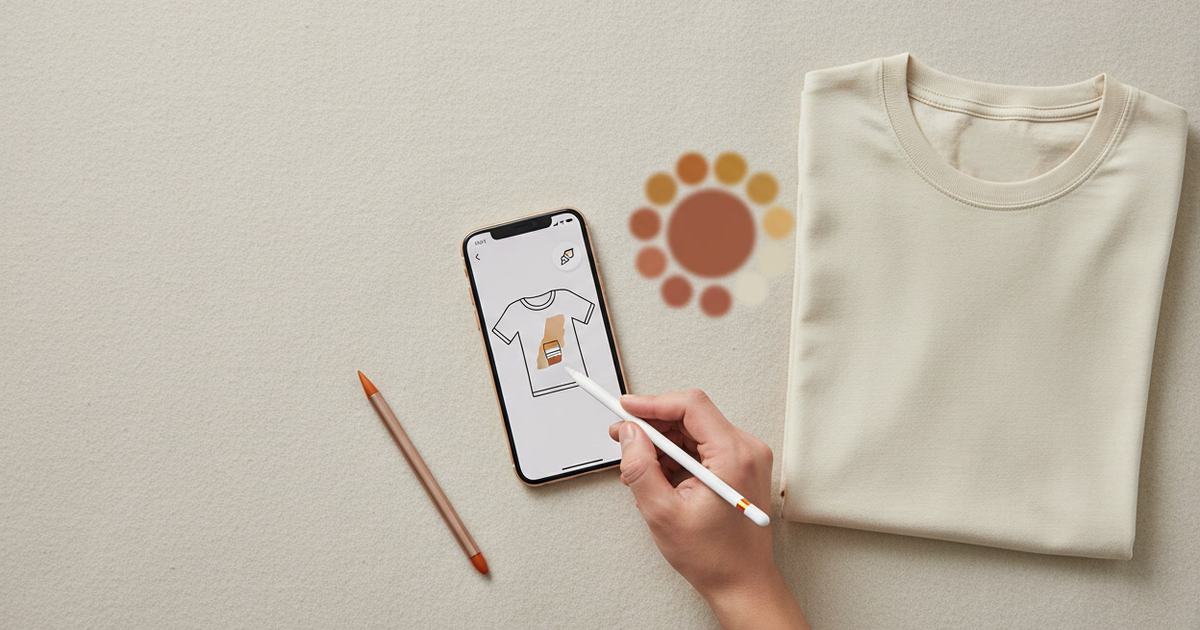
A clothing design app lets you design a garment and preview it without desktop software: paint details with a brush, place text directly on the fabric, and check the result on a 3D preview or an on-model mockup. Mockup Tool does all of this on iPhone — design on a real garment, then generate the on-model image in about 15 seconds at 4K.
Designing a garment used to mean desktop software and a mockup step bolted on afterward. On a phone, the whole loop collapses into one place: put your design on a real garment, refine it with a brush, drop text onto the fabric, and preview the result — then generate the on-model shot without exporting to another tool. This guide walks through that mobile workflow and where it fits.
What a clothing design app actually does
- Brush tool: paint details and adjustments directly onto the garment.
- Text on fabric: place typography straight onto the piece, sitting on the real surface.
- 3D preview: rotate the garment to check how the design wraps before you commit.
- On-model mockup: generate a realistic photo of the finished design on a model.
The point isn’t any single feature — it’s that design and preview happen together. You’re not guessing how a flat design file will look on a body, because you can see it on the garment and on a model as you work.
Why designing on a phone changes the workflow
Desktop software assumes you’re at a desk. A phone assumes you have ten minutes wherever you are — so design happens when the idea does. Sellers sketch a drop concept in transit, tweak a print between orders, and answer a customer’s “can you do it in white?” with a rendered preview minutes later, no laptop involved. That responsiveness is worth as much as any single tool.


From design to a sellable image
The step most design tools skip is the last one: turning the design into a photo that sells. Because Mockup Tool builds the mockup from your real garment, the finished design goes straight to an on-model image unique to your store — no separate mockup tool, no stock template. Explore the clothing design app, or the AI t-shirt designer for tees specifically.
What it is — and isn’t
This is a mobile design and preview studio, not desktop illustration software with every vector feature. It’s built to take a design onto a real garment and out as a sellable on-model image, fast, from a phone. For that job — the one most apparel sellers actually have — it removes the desk entirely.
Frequently Asked Questions
Can I design clothing on my phone?
Yes. A clothing design app like Mockup Tool lets you paint with a brush, place text on the garment, preview in 3D, and generate an on-model mockup — the whole design-to-image loop on iOS, no desktop software.
What can a clothing design app do?
Put a design on a real garment, refine it with a brush tool, add text directly on the fabric, rotate a 3D preview to check how it wraps, and generate a realistic on-model photo of the result — all in one place.
Do I need desktop software to design a garment?
Not for most apparel work. A phone app handles design, preview, and mockup generation in one loop. It’s not a full desktop illustration suite, but it covers the design-to-sellable-image path most sellers actually need.
Can I see my design on a model before printing?
Yes. After placing your design on the garment, generate an on-model mockup to see it on a body, and use the 3D preview to check how it wraps — so you catch issues before committing to a print run.
