Mockup Clothing DESIGN TOOL
Turn flat apparel photos into realistic AI-generated model mockups in seconds.

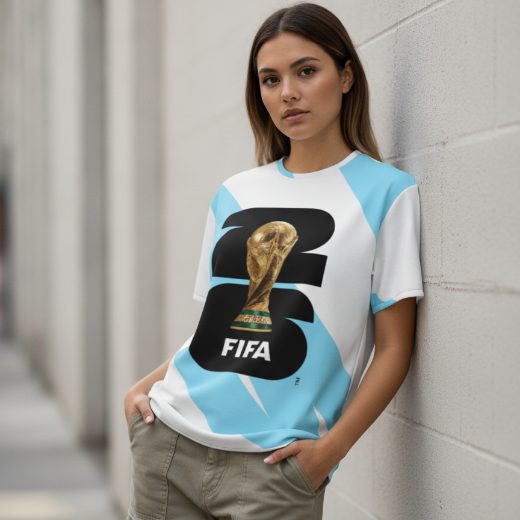
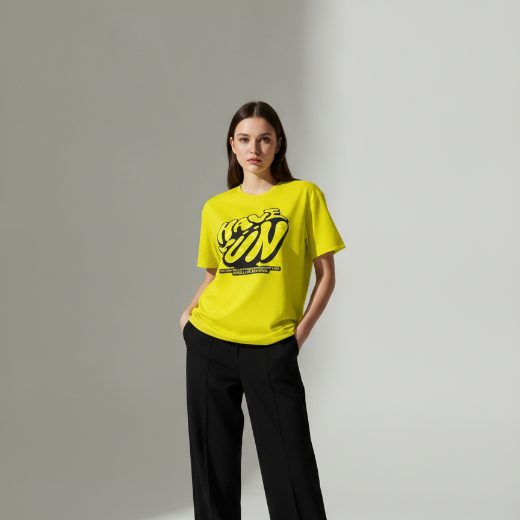
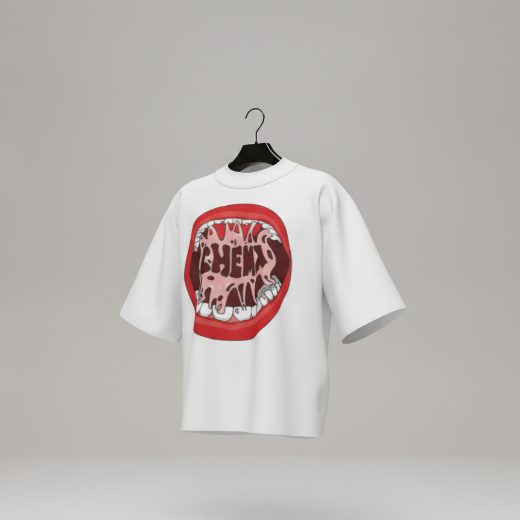
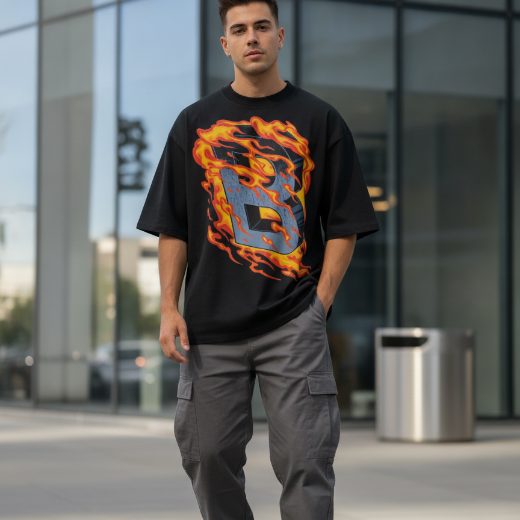
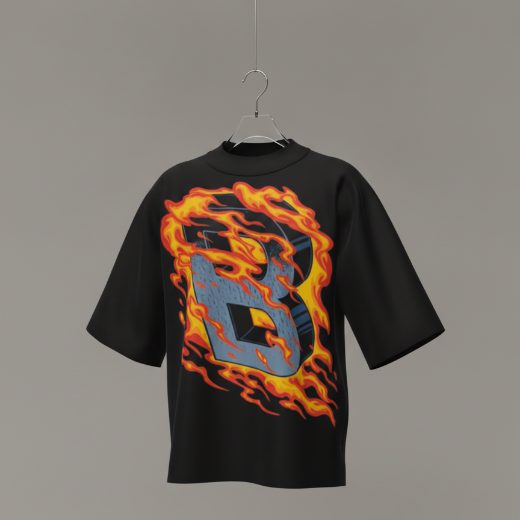
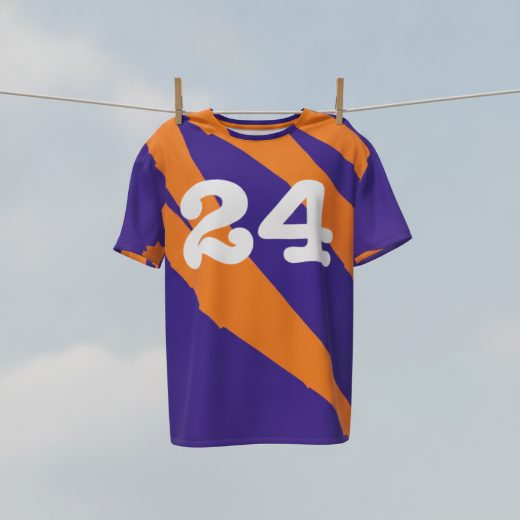
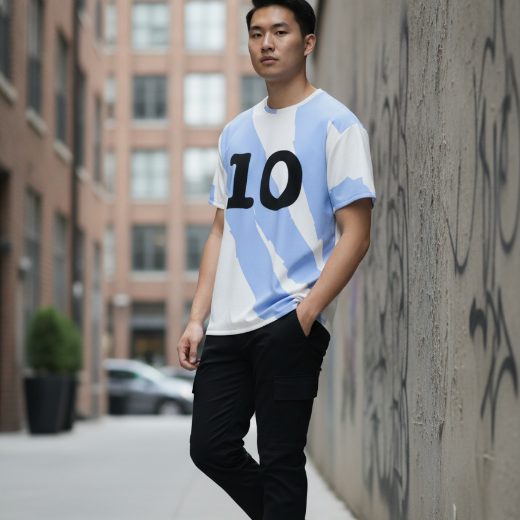
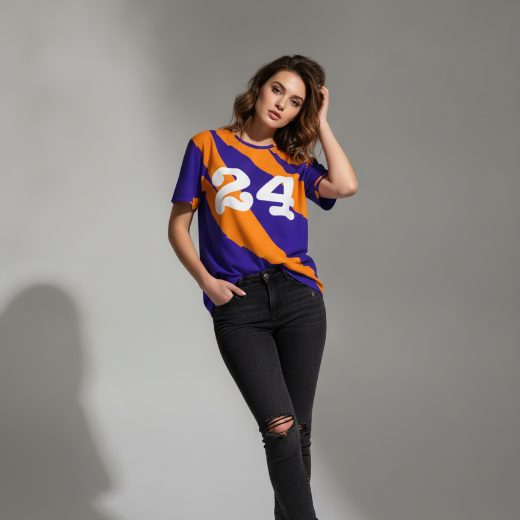
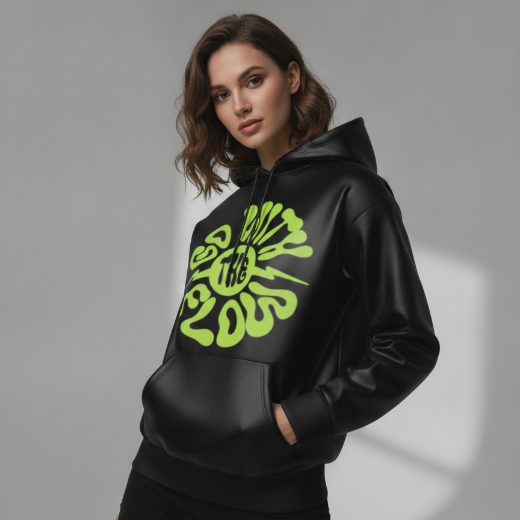
Stop Wasting Money on Photoshoots
Traditional apparel photography costs hundreds or thousands of dollars. You need models, studios, lighting and editing. Mockup Tool replaces all of that with a powerful AI engine.


From flat lay to studio-quality campaign
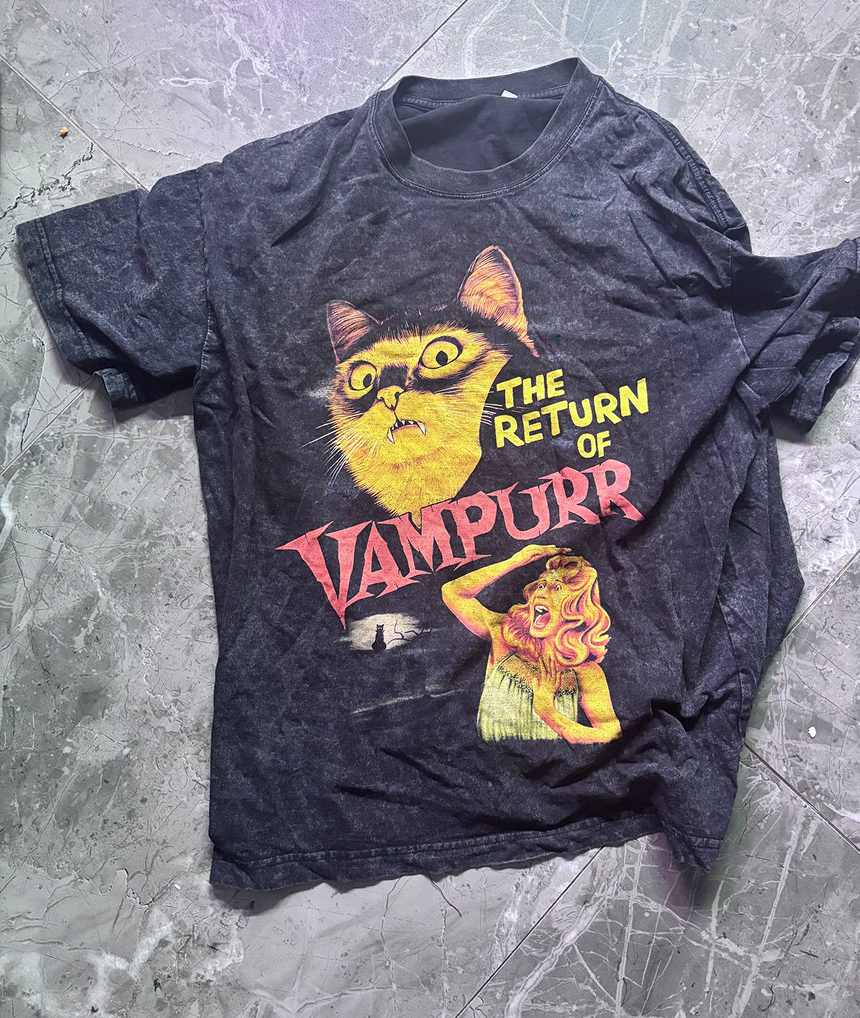
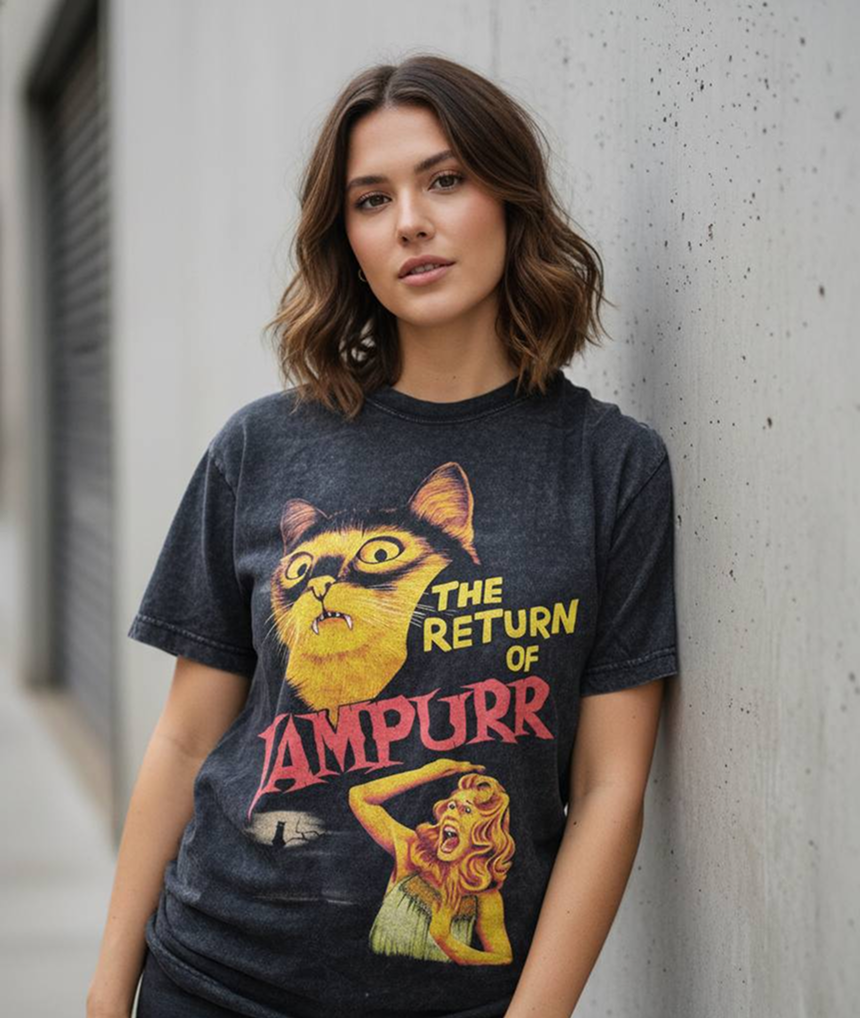
From flat lay to professional model shoot
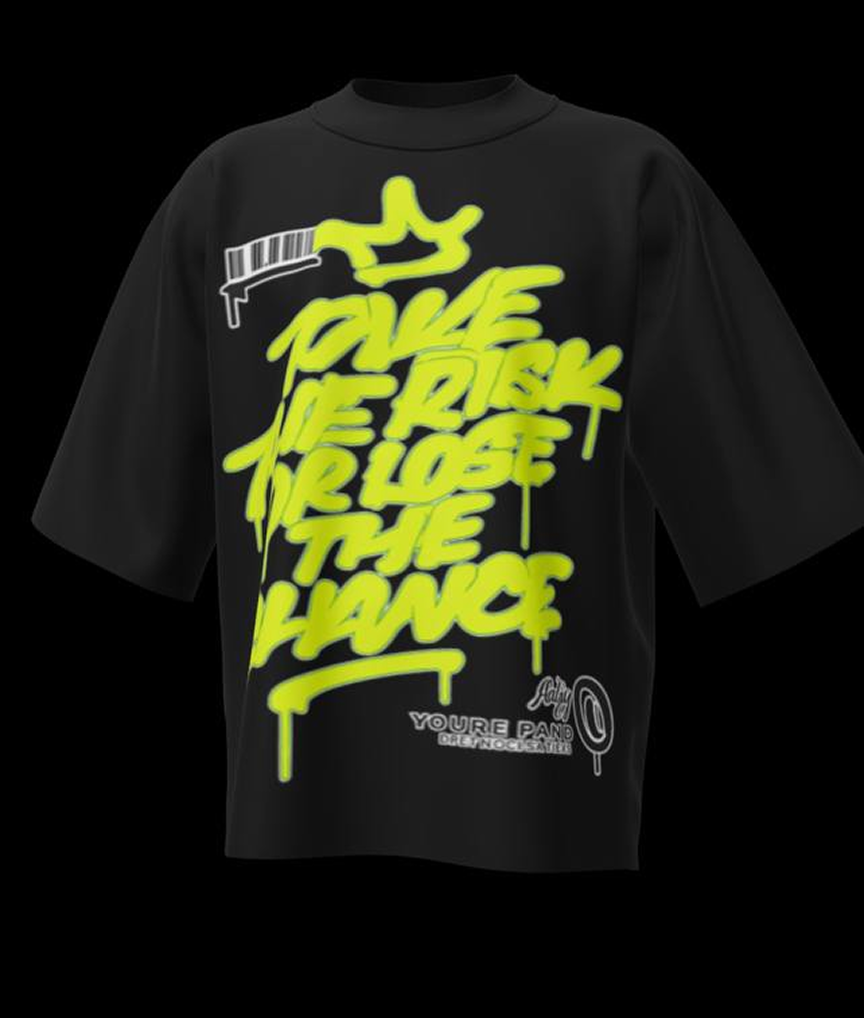
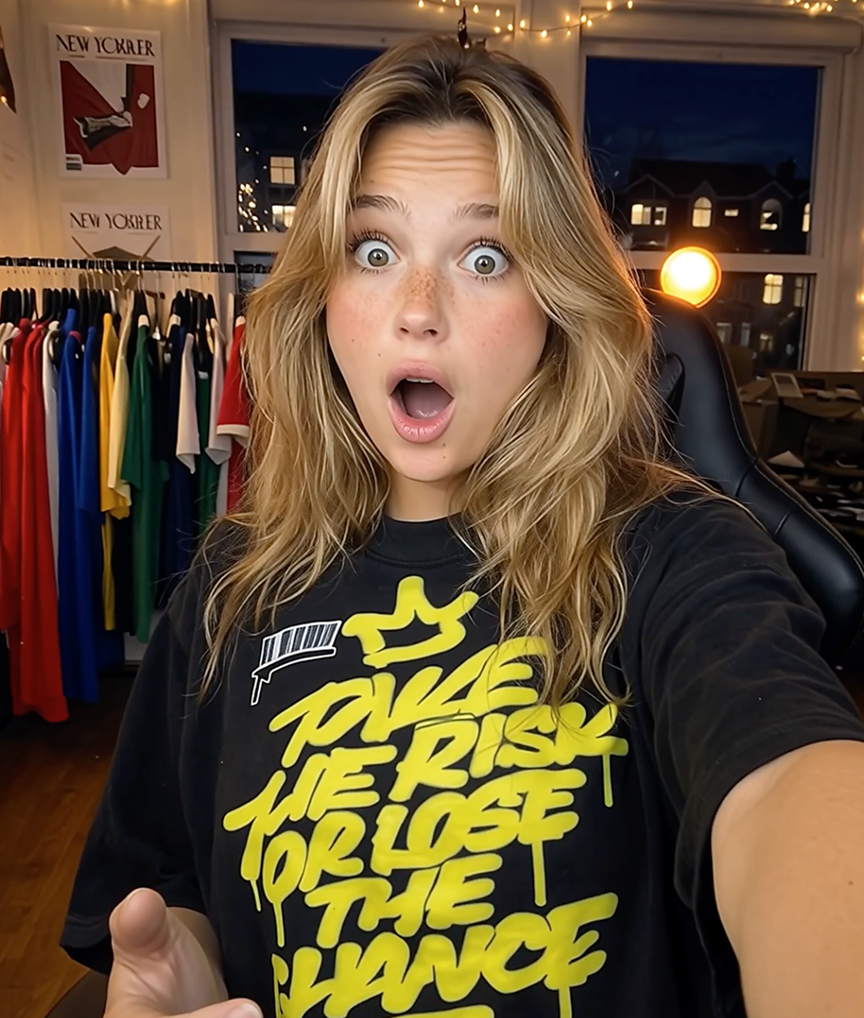
From mockup to real-life content creator
How It Works
Upload Flat Photo
Simply take a photo of your clothing item flat on the floor or a hanger. No styling required.
AI Processing
Our engine analyzes the fabric, lighting, and wrinkles to build a 3D mesh instantly.
Generate Model
Choose from diverse AI models and backgrounds. Export high-res marketing assets.
See It In Action
Every mockup is a true 3D model — spin it and view your design from any angle. Draw on the garment with the brush, drop text right onto the fabric, and do it all from a mobile app that’s faster than any desktop editor.
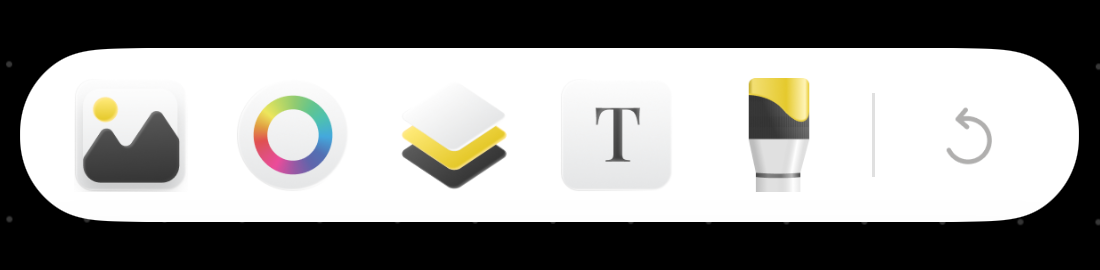
The actual in-app editor: swap images, pick colors, stack layers, add text and paint with the brush — right on the garment.
Designed for Mobile Creators
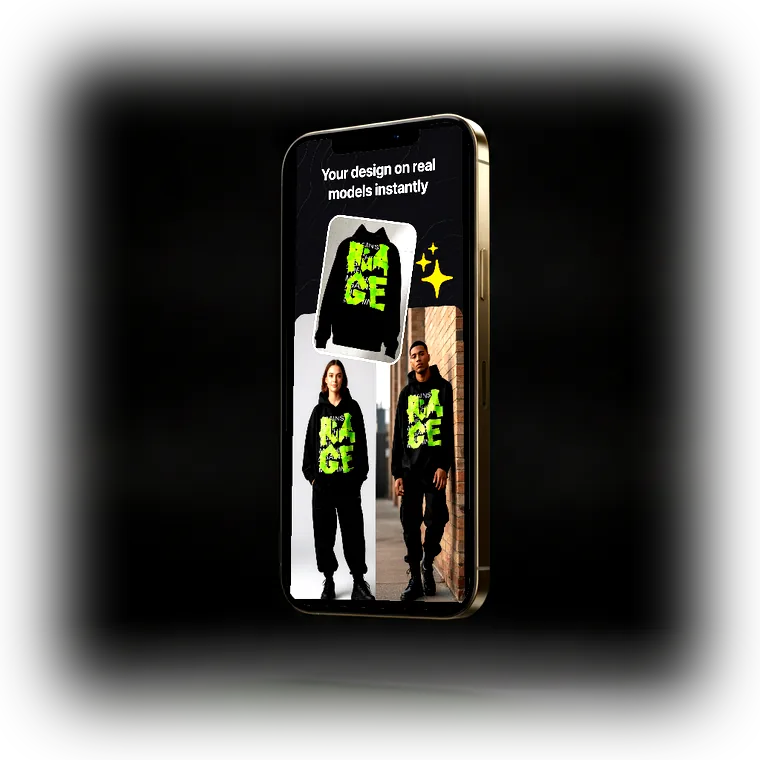
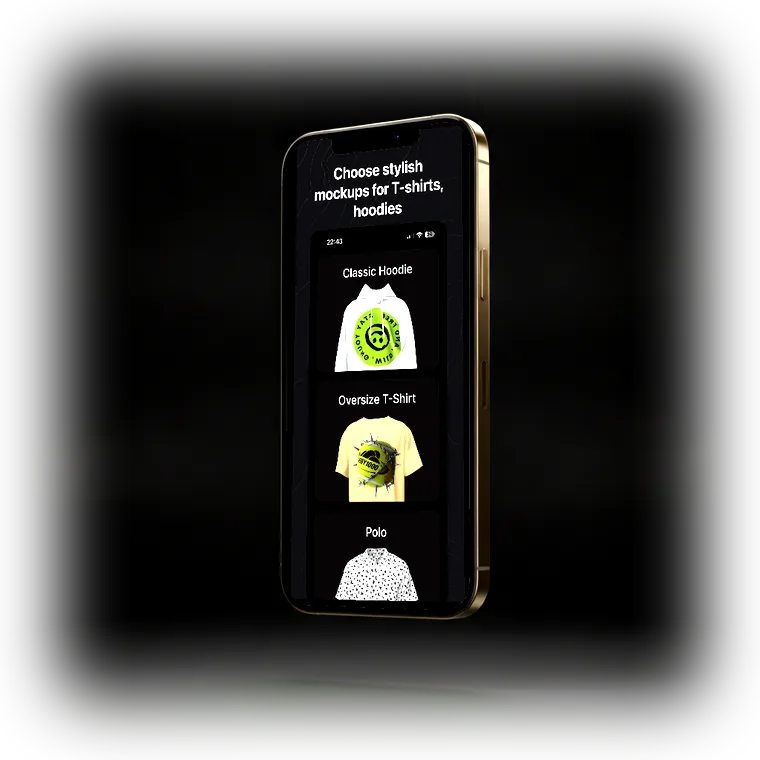
The full studio lives in your pocket — these are real screens from the app.
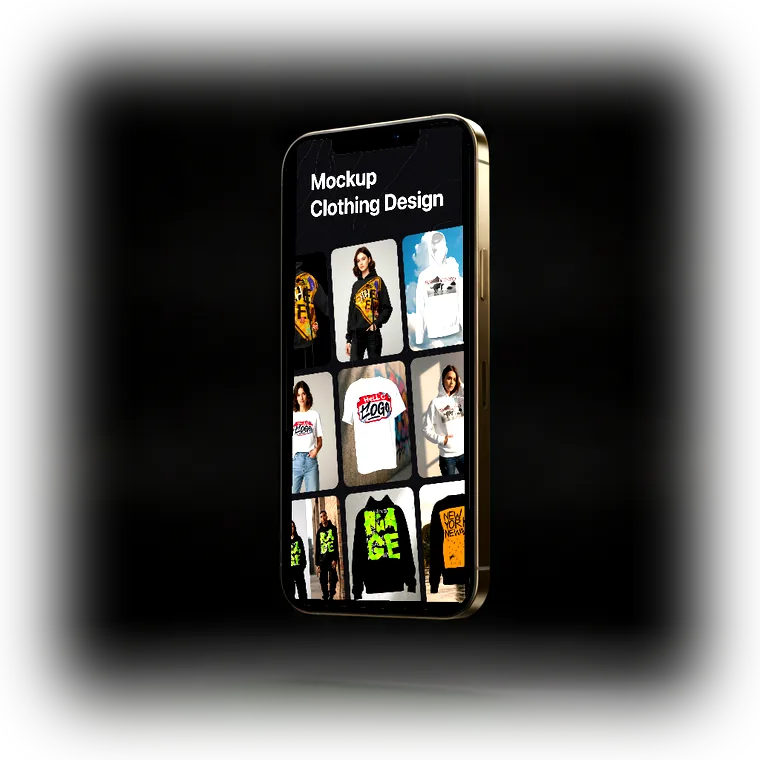
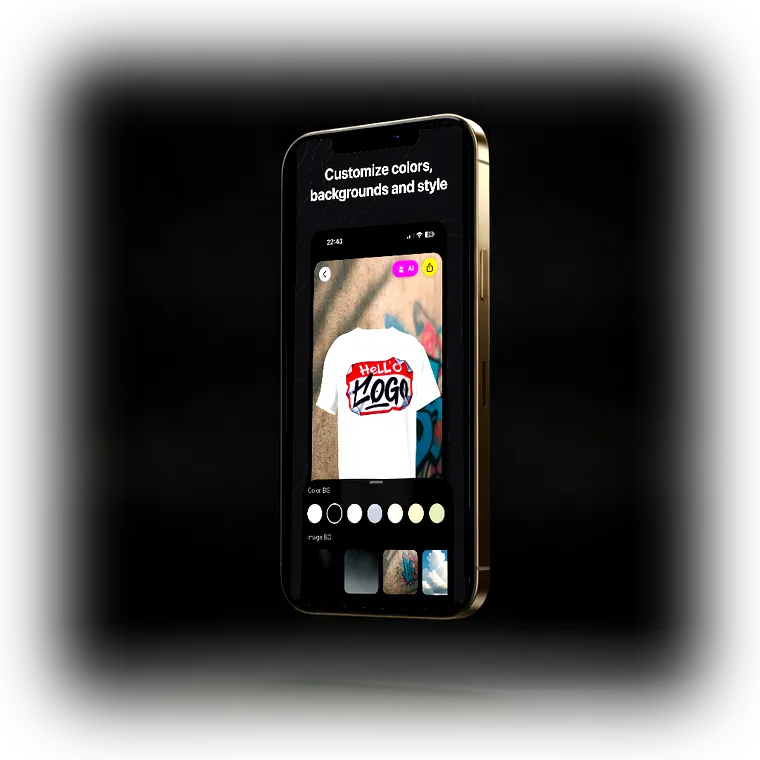
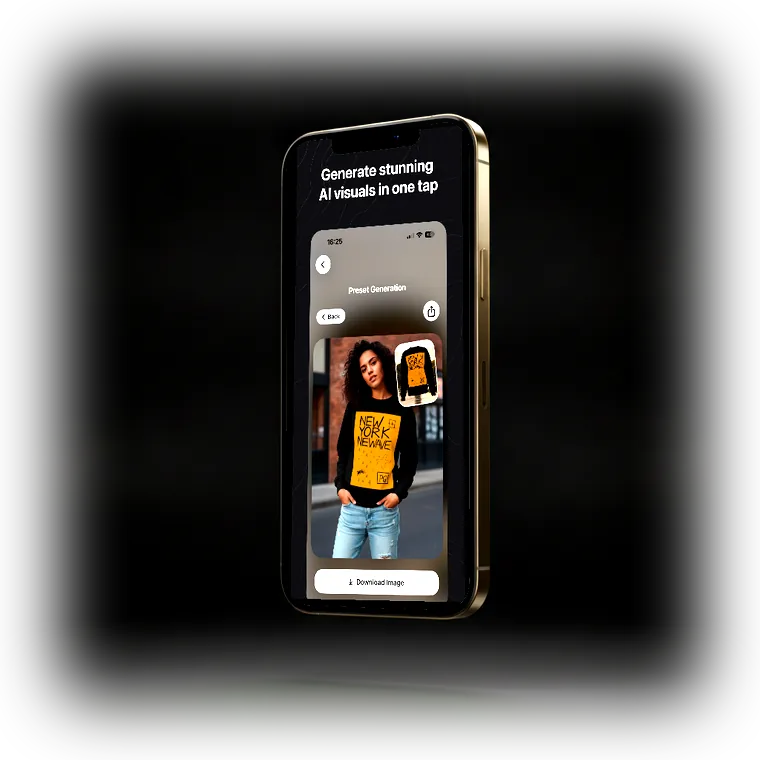
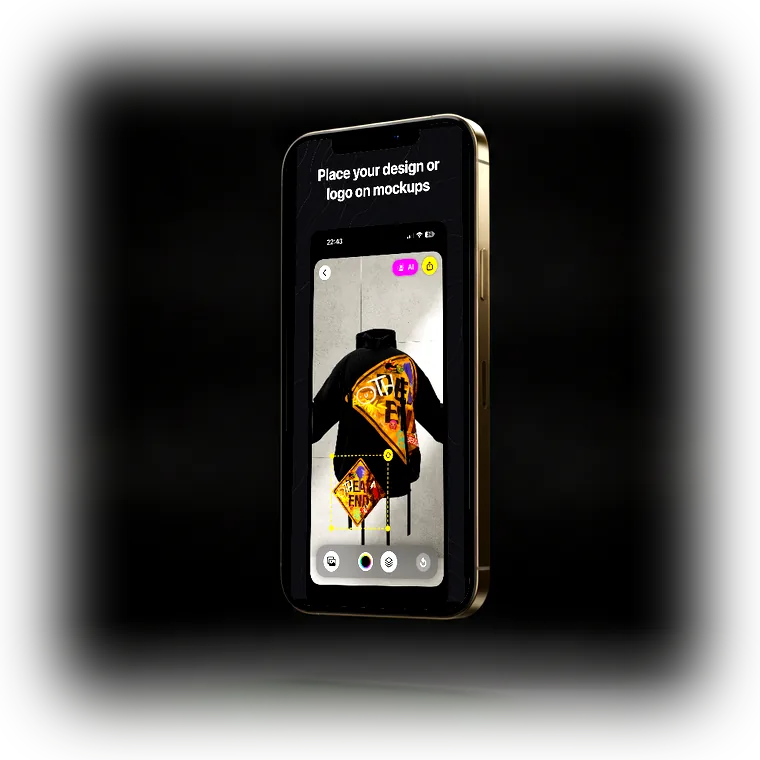
Mockup Clothing Design Tool — The Future of Apparel Photography
In the competitive world of ecommerce, visual presentation is everything. Mockup Clothing Design Tool eliminates the need for expensive photoshoots by turning flat lay images into professional, ready-to-publish visuals in seconds. Independent clothing brands, Etsy sellers, and print-on-demand creators use our AI-powered Mockup Clothing Design Tool to generate studio-quality product images without models, studios, or post-production editing.
Our Mockup Clothing Design Tool uses advanced computer vision and generative AI to analyze your flat lay photography and map it onto realistic human models. Whether you need a hoodie mockup, an oversize t-shirt visualization, or a full streetwear campaign, Mockup Clothing Design Tool delivers photorealistic results without Photoshop or professional equipment. Every mockup is an interactive 3D model — spin and rotate the garment to view your design from any angle, paint details with the built-in brush tool, and place text straight onto the fabric. And because it's a mobile app, the entire workflow — from flat photo to 4K export — fits in the palm of your hand, faster than any desktop editor.
Whether you are running a dropshipping business, managing a boutique Etsy shop, or launching your next merch drop, Mockup Clothing Design Tool gives you the marketing assets you need to convert visitors into buyers. Download the app today and experience the future of clothing visualization — powered by AI, designed for creators.
Trusted by Sellers & Brands
“I run a small streetwear label and this replaced our product shoots entirely. Photographed the whole drop flat in one evening and had on-model shots the same night. Customers ask who our photographer is.”
“My Etsy listings finally stopped looking like everyone else’s. Click-through went up noticeably within two weeks of swapping the template mockups for these. Worth it for the thumbnail alone.”
“The print placement is actually accurate because it works from a photo of the real shirt. That was my biggest problem with template generators — the design never sat where it does on the product.”
“Generated a full lookbook for my graduation collection without hiring anyone. The drape on the oversized pieces looked true to the samples, which honestly surprised me.”
“We sell team jerseys and used to photograph every kit variant. Now it’s one flat photo per kit and the AI does the rest — numbers and sponsors come out crisp every time.”
“Fast, no learning curve, and it runs on my phone between orders. The 4K export quality is good enough for paid ads, which is what I actually use it for.”
Frequently Asked Questions
How do I create a clothing mockup with AI?
Photograph your garment laid flat with your iPhone, upload it to Mockup Tool, and the AI generates a realistic model wearing your exact piece in about 15 seconds — fabric, print placement, and fit preserved.
Learn more: T-shirt mockup guide →How is this different from Placeit and template mockup generators?
Template tools paste your design file onto stock photos shared by thousands of sellers. Mockup Tool generates photos from your real, physical garment — so the images are accurate to your product and unique to your store.
Learn more: Full Placeit comparison →Can I use AI mockups for my Etsy listings?
Yes — photos generated from your actual product make listings stand out in search results where most shops reuse identical stock templates, and give you enough variety to fill all ten photo slots.
Learn more: Mockups for Etsy sellers →Can I rotate the mockup and edit the design on the garment?
Yes. Mockups are interactive 3D models — spin them to view the design from any angle. The brush tool lets you paint directly on the garment, and the text tool places typography straight onto the fabric, all inside the mobile app.
Learn more: 3D clothing mockups →What clothing types are supported?
T-shirts, oversized tees, hoodies, zip-ups, sweatshirts, longsleeves, jerseys, polos, jackets, sweatpants, crop tops, and tank tops — anything you can photograph laid flat.
Learn more: Browse mockup types →How much does it cost compared to a photoshoot?
A traditional apparel shoot runs $500–$5,000 per session. Mockup Tool is free to download, and a full product image set costs a fraction of a single retouched studio photo.
Learn more: Cost breakdown →How should I photograph clothes for the best mockup quality?
Shoot straight down in soft window light on a plain background, smooth the wrinkles, and leave margin around the garment. Two careful minutes on the flat lay set the quality of every generated image.
Learn more: Flat-lay photo guide →Latest Guides
Designing Clothing on Your Phone: A Practical Guide
You don’t need desktop software to design a garment and see it on a body. Here’s the whole workflow — brush, text, 3D preview, mockup — from a phone.
Merch Mockups for Creators & Bands
The content is high-effort; the merch photos are the same flat template under every creator’s drop. Here’s how to close that gap before your next launch.
Baseball Tee Mockups: How to Make Them
The contrast ¾ sleeve and diagonal raglan seam are the whole product — and generic templates put your design on a plain crewneck. Here’s how to show the real thing.
Sweatpants & Jogger Mockups: How to Show the Fit
Taper, rise, how the cuff stacks on a shoe — bottoms sell on the things a flat photo can’t show. Here’s how to make a sweatpants mockup that shows them.
Beanie Mockups: How to Make Them
Flat, a beanie looks like a sock. On a head, the knit, the cuff, and the patch finally read. Here’s how to make a beanie mockup without a shoot.
Apparel Mockup Generator: A Complete Guide
Not all apparel mockup generators do the same thing. Here are the three types, what each is good for, and how to pick the one that fits your store.
Ready to Create PROFESSIONAL MOCKUPS?
Available for iOS